A good effect is more than an attractive animation: it needs to fit your display and work with the software you use to program your controller. Check these details before downloading a pack or rendering your own effects.
1. Start with your software
Identify the exact software and version you use, then check which files it can import. An AVI video is a different kind of file from an SWF animation, and support can vary between versions and installations. The controller’s model alone does not tell you which media formats your editor can open.
Use our SWF, AVI, MOV and MP4 format guide to compare common formats. If you are unsure, try a short sample in your own software before buying a larger collection.
2. Match the animation to your display
Write down the width and height of your pixel layout and whether it is a rectangular matrix, a strip, or an irregular shape. Choose visuals that remain recognizable at your display’s resolution. Fine text and small details can disappear on a low-resolution matrix; broad shapes and strong contrast are easier to read.
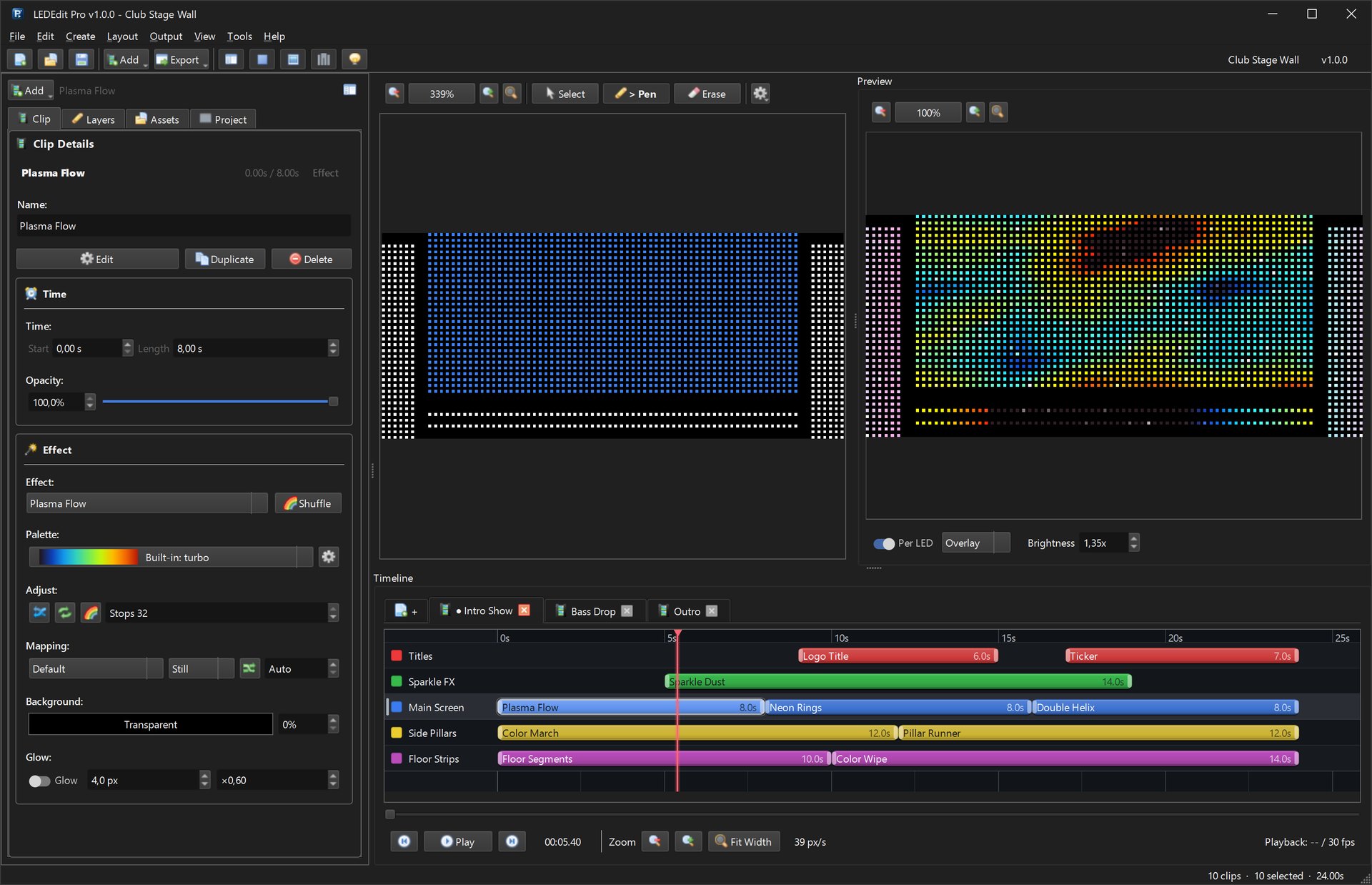
Preview the effect in your mapped layout. Scaling and cropping may change the result, so test the full display rather than judging only the preview video.
3. Check how the file reaches the controller
Many SD-card controllers use a controller-specific show file rather than playing the original video directly. In that workflow, import the effect into compatible software, map the LEDs to the physical wiring, then export the appropriate controller file. Choose the exact controller and chip profile for your hardware and follow its documentation.
Our T-1000S guide and SD-card troubleshooting guide cover the next steps. If you use LEDEdit Pro, start with the video-to-.led workflow; check your controller’s compatibility and test a small show.
4. Test a short effect first
- Import a short sample into your software and confirm it plays.
- Check the dimensions, orientation, color order and frame rate in the preview.
- Export a small test for the exact controller and chip.
- Check it on the actual hardware before building a full show.
If a file fails to import, check the software version and supported format or codec. If the preview works but the physical display does not, check the controller profile, wiring, power and SD-card instructions.
Ready-made effects or create your own?
The LEDEdit effects pack contains ready-made SWF and AVI files for compatible software versions. Preview the animations and check your workflow before purchasing; the pack is €35 plus applicable VAT.
If you prefer to make and customize your own animations, Pixel LED Animator 3 provides effect generators, keyframes and export options. For mapping and controller-ready shows, explore LEDEdit Pro 2026.