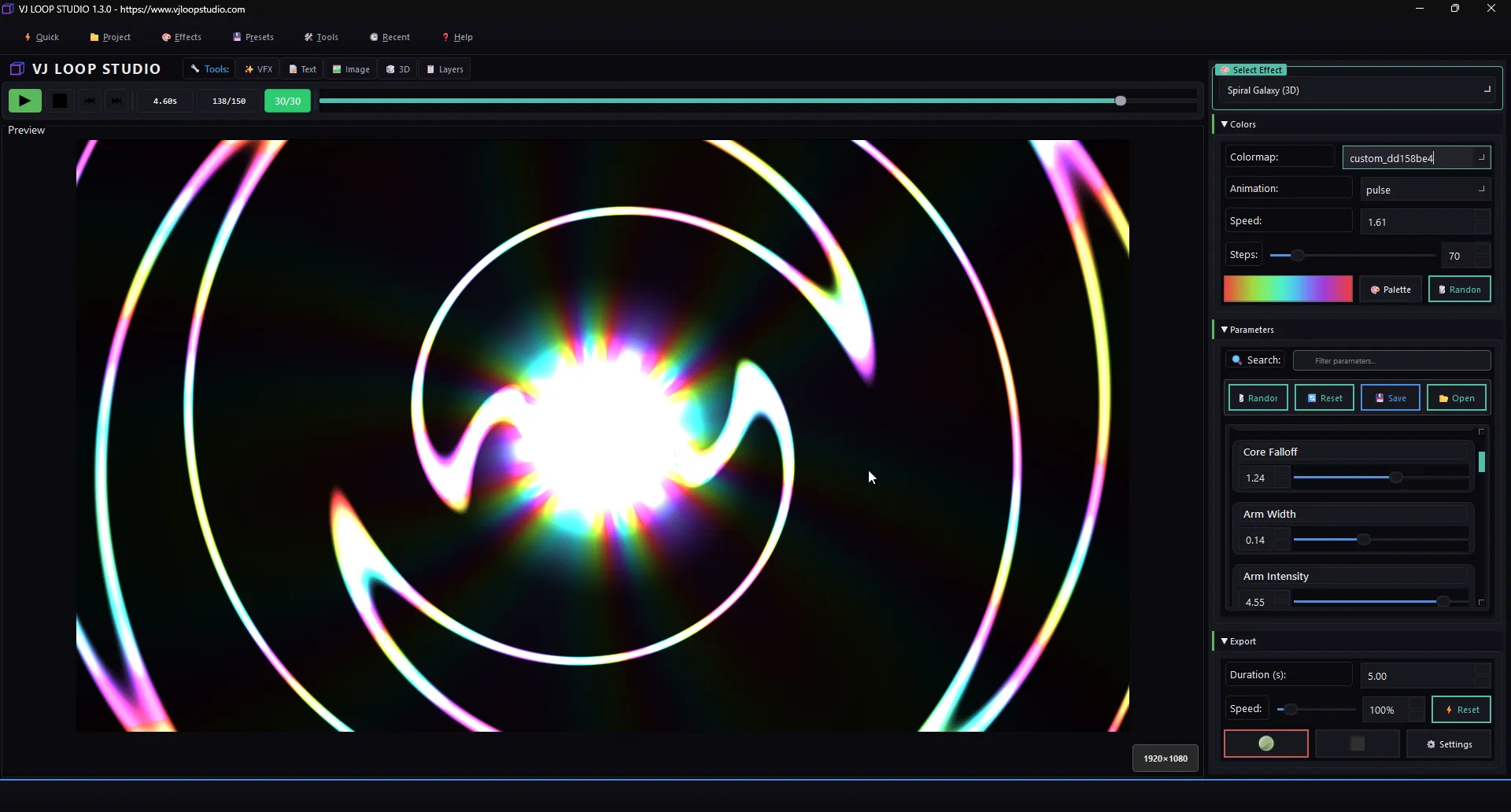
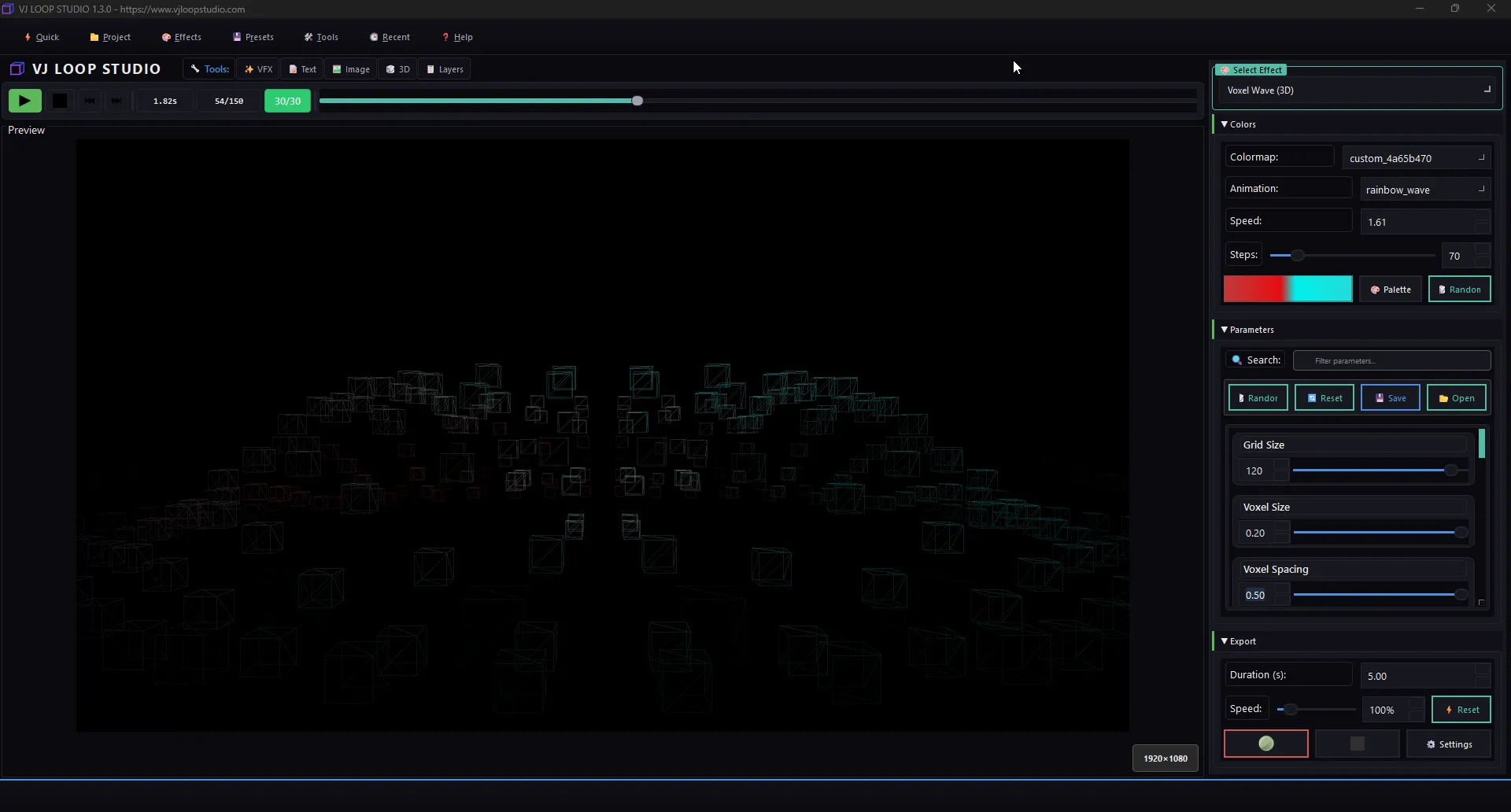
VJ Loop Studio 1.1.0 brings powerful 3D capabilities to LED visual creation. With built-in 3D objects, custom model import, and stunning neon effects, you can create broadcast-quality visuals for any LED display.
This tutorial covers how to create 3D LED effects that will make your stage performances and installations stand out.
Why 3D LED Effects?
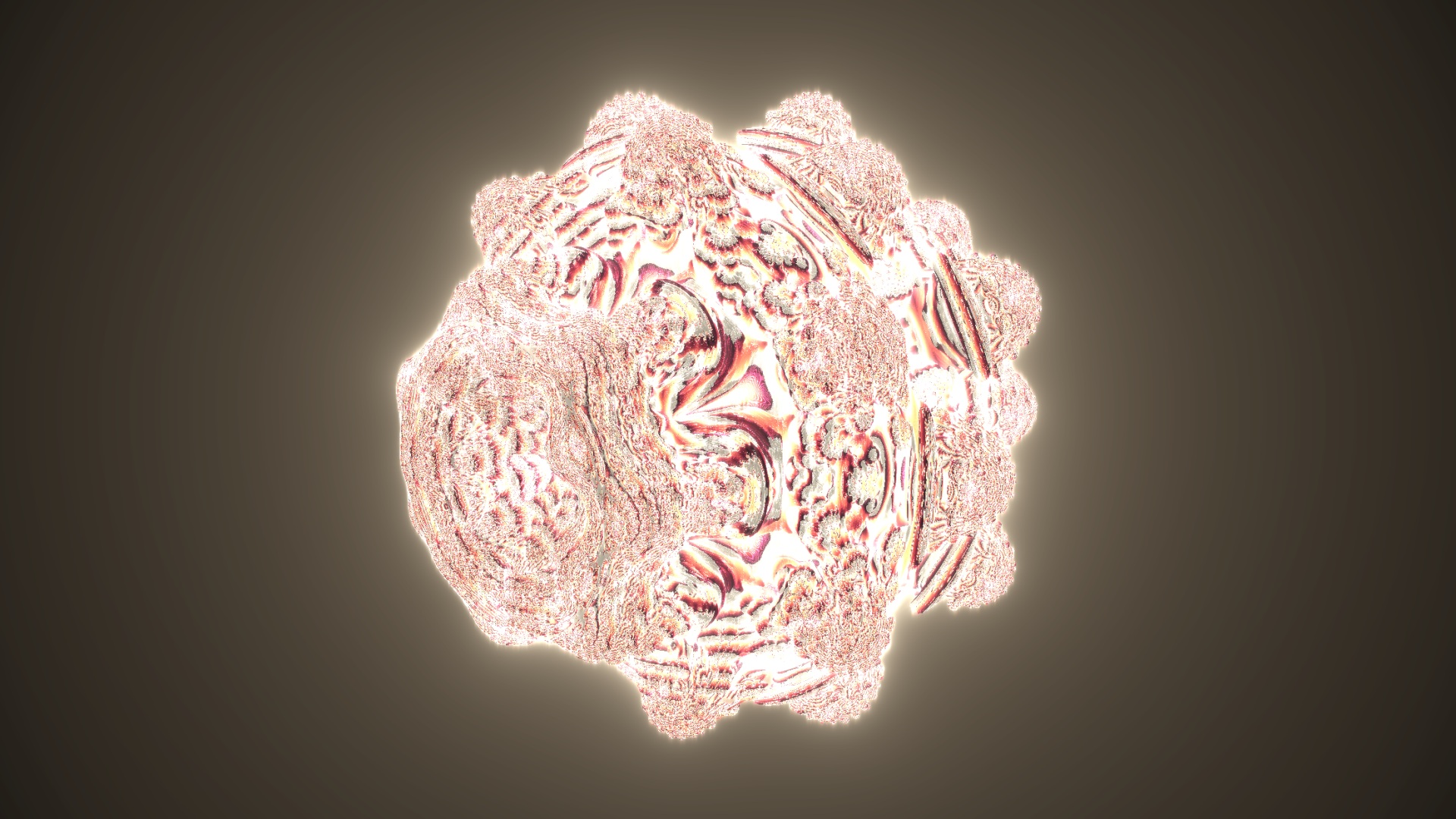
3D visuals add depth and dimension to LED displays:
- Stage performances — immersive backdrops that captivate audiences
- Architectural lighting — transform buildings with animated 3D projections
- Club and event visuals — professional-grade content that rivals expensive media servers
Getting Started
- Open VJ Loop Studio 1.1.0
- Go to the 3D Objects section
- Choose from built-in shapes: cubes, spheres, cylinders, toruses, stars, pyramids, and polyhedra
Creating a 3D Cube Effect
- Select 3D Cubes from the effects list
- Configure:
- Cube count — single cube or grid arrangement
- Rotation speed — X, Y, Z axis controls
- Wireframe mode — toggle between solid and wireframe
- Colors — apply gradient or solid colors to faces
Adding Neon Effects
VJ Loop Studio’s neon system works perfectly with 3D objects:
- Enable Neon Edge Highlighting
- Adjust:
- Glow intensity — from subtle to blinding
- Color cycling — animate neon colors
- Edge width — thickness of the neon outline
- Combine with 3D rotation for a TRON-like aesthetic
Importing Custom 3D Models
For unique visuals, import your own models:
- Click Import 3D Model
- Supported formats: OBJ, FBX, glTF
- The model is auto-optimized for real-time performance
- Apply materials, textures, and neon effects
Exporting for LED Software
| Software | Recommended Format | Resolution |
|---|---|---|
| Madrix | MOV (with alpha) | 1920×1080 |
| LedEdit 2016+ | MOV | Match matrix size |
| Resolume | MP4 (H.265) | 1920×1080 or 4K |
| Jinx! | AVI | Match matrix size |
Pro Performance Tips
- Use wireframe mode for complex 3D scenes to maintain smooth playback on LED controllers
- Export at 30 FPS for the best balance of quality and file size
- Layer 3D objects with particle effects for stunning depth
- Save as preset to reuse your 3D configurations
Create stunning 3D LED visuals with neon effects, custom models, and 4K/8K export.