The K-1000C is the single-output controller with a built-in display that made standalone pixel shows easy: no PC on site, just a .led file on a FAT32 SD card. It runs up to 2,048 LEDs on one port and supports cascading a second unit for 4k-pixel runs. Most “FFFF error” or “no output” complaints trace to the SD lock switch or a mismatched .led header. This guide walks pinout, three wiring options, SD prep and the FFFF fix.
Recommended for new shows: LEDEdit Pro 2026
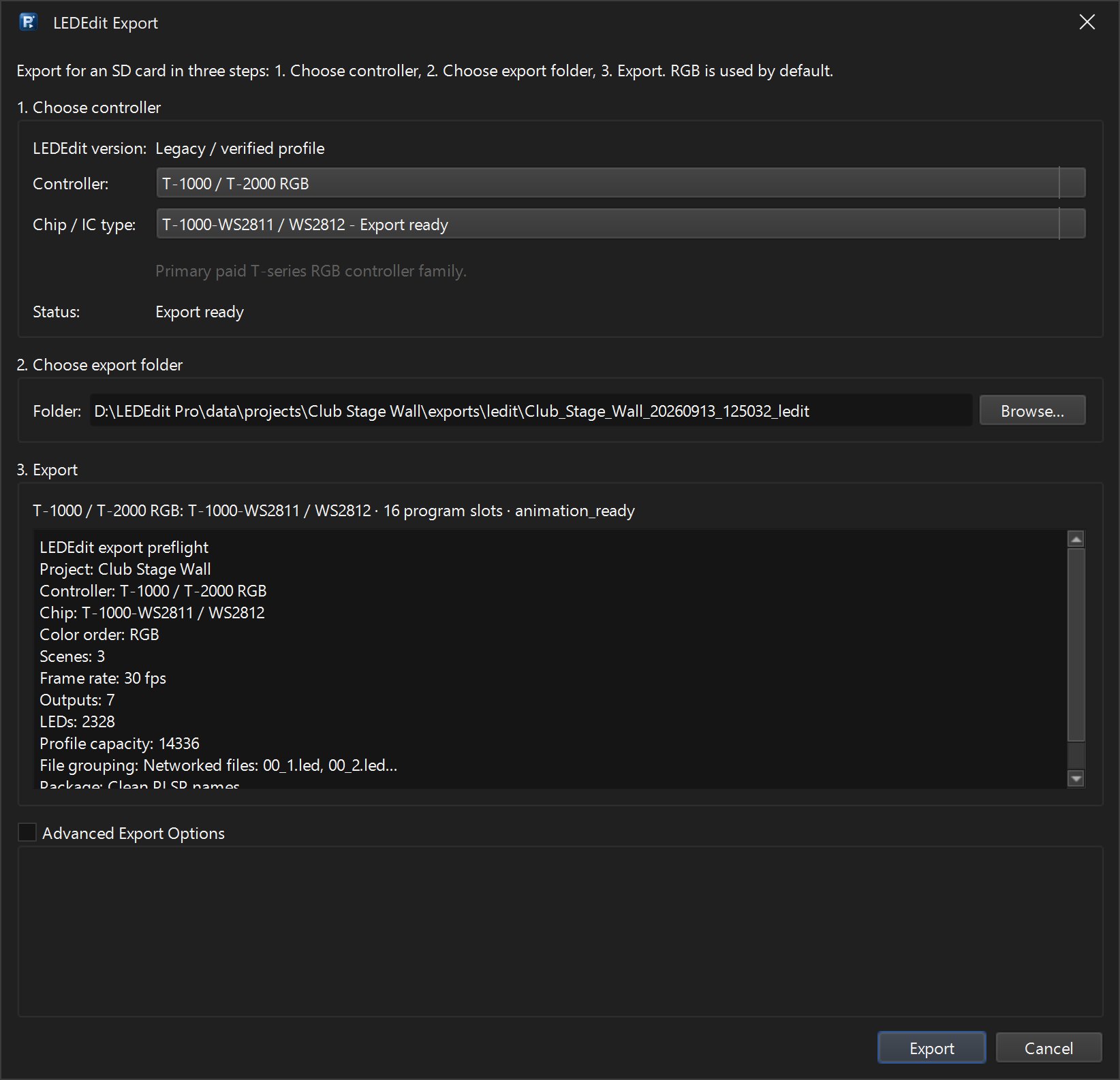
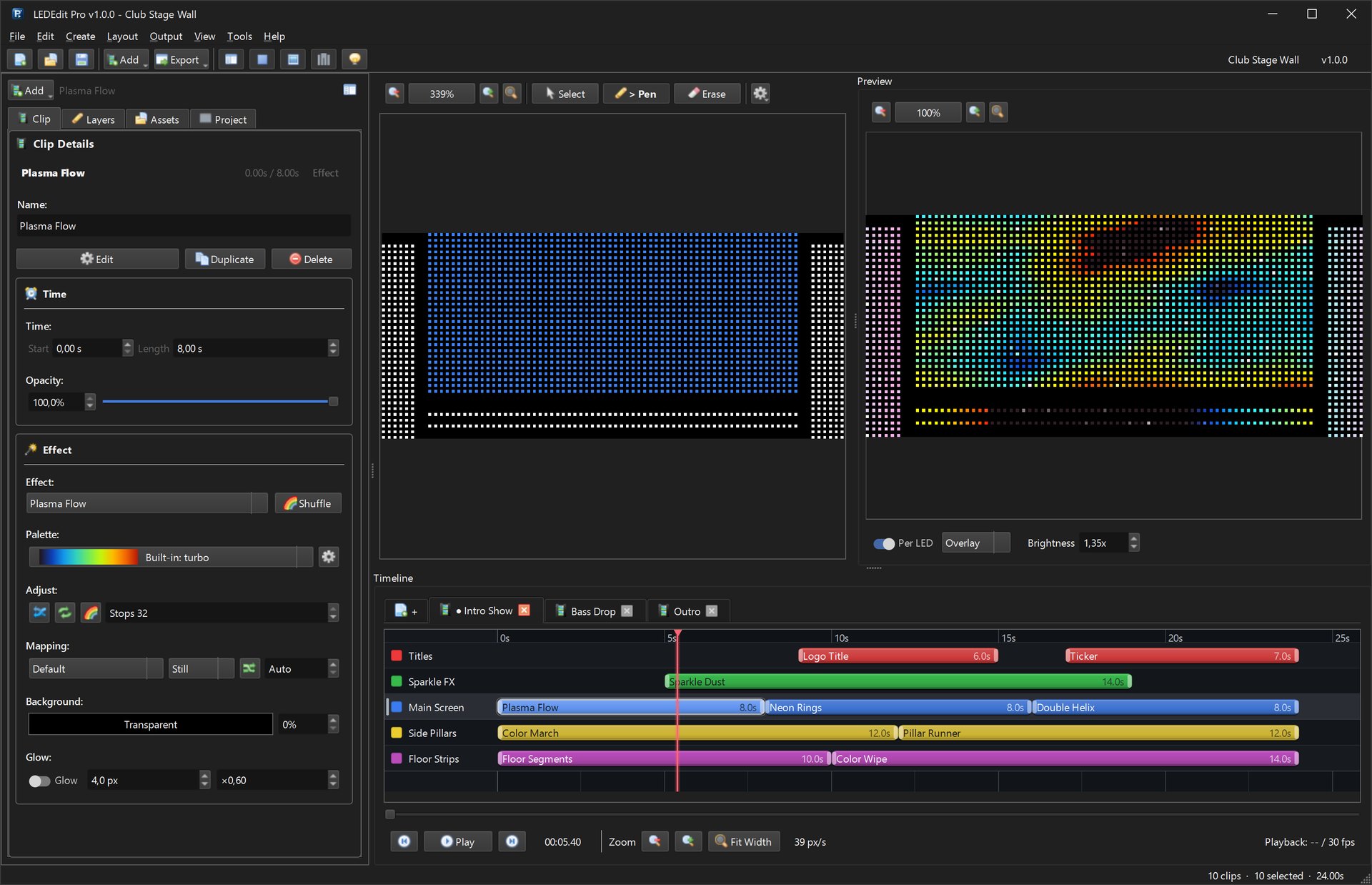
The download above is the old free community release (good for existing setups). For new projects use LEDEdit Pro 2026 — multi-layer timeline, 151 effects, LED Layout Creator with DXF import/export, live per-LED preview and direct .led export for 19 controller families.
K-1000C overview
- One output, 2,048 LEDs max per controller (some batches cap WS2811 at 2,000 — respect the printed label)
- SD card: microSD via adapter, 2–32 GB, FAT32 only
- Display: 128×64 mono OLED showing file name, speed, brightness, chip and error codes — replaces the T-1000S 1602 LCD
- Buttons: four under the screen — MODE/PREV, SET/NEXT, SPEED+, SPEED- (labels vary by batch)
- Power: 5–24V DC in for logic; pixels powered separately
- Chip support: WS2811/WS2812B, SM16703, UCS1903 (K-1000C firmware is narrower than K-8000/T-8000 — check the list at export)
K-1000 vs K-1000C: K-1000 has no display and a dip-switch for speed. K-1000C adds the OLED and button menu —
.ledfiles are interchangeable if the chip matches.
Display and pinout
Top edge (left to right on most boards):
| Mark | Pin | Function |
|---|---|---|
| V+ / DC 5-24V | Power in + | Controller logic power |
| GND | Ground | Logic ground — must join pixel GND |
| DAT | Data out | SPI data to first pixel DI |
| CLK | Clock | For 4-wire chips only (APA102); float for WS2811 |
| GND | Second ground | Convenience terminal — same net |
| SD slot | Card | Push-to-click; spring ejects when pressed |
Bottom edge has a cascade out header on some revisions (labelled OUT or CASCADE) for linking a second K-1000C — see cascading section.
Display readings on boot:
K-1000C   Ver 6.2
FILE: 00_01.led  OK
SPEED: 16  BRT: 08
CHIP: WS2811  LEDs:1024
STATUS: PLAYING >
If it shows FFFF or ERR: FF instead of a file name, jump to the FFFF fix below.
3 wiring diagrams
Common ground is mandatory in every case: tie controller GND to pixel strip GND at the first pixel, even if supplies are separate.
Diagram 1: Single strip – direct feed
- Controller DAT → Strip DI
- Controller GND → Strip GND
- Strip VCC → Supply V+ (5V or 12V per spec)
- Strip GND → Supply GND → Controller GND
Use for outlines under 5 m and shop signs.
Diagram described: one 5 m WS2811 strip, data line from K-1000C DAT to DI, power pair from 5V 10A supply to strip pads, GND star back to controller.
Diagram 2: Long run – power injection every 5 m
- Keep DAT as one continuous chain DI → DO through every segment
- Inject V+ and GND at each 5 m joint from the same supply (or a second supply with shared GND)
- Tie every injection GND back to controller GND — floating sections cause mid-run flicker
Run a thicker gauge for injection (16 AWG for 5V 60A circuits) and fuse the supply.
Diagram 3: 4-wire clock strip (APA102 / P9813)
- K-1000C DAT → Strip DI
- K-1000C CLK → Strip CI
- GND, V+ as before
For WS2811, leave CLK unconnected — do not strap to GND.
Data direction: Arrow on the strip points away from the controller.
DIfaces the K-1000C,DOfeeds the next segment. Reversed strips pass no data past the first pixel.
SD card – format, lock switch and file placement
Use 2–32 GB microSD + adapter. The K-1000C bootloader reads only FAT, not exFAT or NTFS.
Format:
- Insert card in PC → File Explorer → right-click → Format
- File system FAT32, allocation 4096 bytes, Quick Format
- If card >32 GB, use
guiformat.exe(FAT32 Format) ordiskpartto force FAT32 - Delete
System Volume Informationif it appears
The lock switch trap
Full-size SD adapters have a tiny slider on the left. Up = unlocked, down = locked. A locked card looks formatted but LEDEdit cannot copy and the K-1000C shows FFFF or No File because it cannot read. Slide up before inserting.
Screenshot described: SD adapter with lock switch highlighted; top position labeled Unlocked (read/write), bottom Locked (read-only).
File placement:
E:\ (FAT32, unlocked)
├── 00_01.led      ← auto-play show (required)
├── 00_02.led      ← optional next file (MODE cycles)
└── (no folders, no .tst here — K-1000C uses no schedule file)
- One file minimum; up to ~16 files by name
00_01…00_16 - Avoid custom names like
show.led— older K-1000C firmware ignores them - Safely eject the card after copy
Export in LEDEdit:
- File → LED Type →
K-1000C-WS2811orK-1000-WS2811(if K-1000C not listed, K-1000 works for the same chip) - In Pro: Output → Export LEDEdit .led… → Controller: K-1000 / K-1000C → Chip: WS2811
- Set pixel count = exact LEDs connected; FPS 30; brightness 70–80%
FFFF error – what it means and how to fix it
FFFF on the OLED means the controller cannot read a valid .led file. It is not a dead controller — the display proves logic is alive. Work through this order — the first item fixes 60% of cases:
| Check | Why | Fix |
|---|---|---|
| 1. Lock switch | Adapter is locked = read-only, controller sees empty FS | Slide unlock (up), re-insert, power cycle |
| 2. File system | Card is exFAT/NTFS | Reformat FAT32 4096 bytes, re-copy |
| 3. Filename | show.led or LEDEdit.led ignored on some firmwares | Rename to 00_01.led in root |
| 4. File location | Inside a folder | Move to root, remove folders |
| 5. Header mismatch | Exported for T-1000S or T-8000 instead of K-1000C | Re-export selecting K-1000C-WS2811 / K-1000-WS2811 exactly |
| 6. Corrupted header | Bad copy or opened in text editor | Re-export, safely eject, do not open .led as text |
| 7. Bad SD | Fake capacity or worn card | Try a branded 8–16 GB card from a known retailer |
Power-cycle after each fix: remove power, re-insert SD, re-power. The display should flip from FFFF to PLAYING > within 2 seconds.
Tip: If
FFFFpersists with every card, try one known-good card with a factory test file (single color wipe, 50 LEDs, 800 kHz). If that plays, your original project had count or chip wrong.
Single vs cascaded operation
Single mode (default)
- One K-1000C → one data chain → up to 2,048 LEDs
- No cascade cable; OUT header unused
- MODE cycles files on the same card
Cascaded mode – two K-1000C units as one logical show
Some K-1000C revisions expose a cascade sync header (3-pin: GND, CLK, DAT) or a RJ45 interlink. The master controller plays its half, the slave mirrors timing:
- Split the canvas in LEDEdit Pro by pixel ranges — e.g. LEDs 1–2048 → Master, 2049–4096 → Slave. Export two files, each with
K-1000C-WS2811and its own pixel count. - Copy: Master SD gets
00_01.led(first half), Slave SD gets00_01.led(second half) — keep names identical. - Wire sync (if present): connect Master’s CASCADE OUT to Slave’s CASCADE IN (GND-GND, DAT-DAT). Consult the board silkscreen — some batches use a 2-wire SPI cascade, others a single sync pulse.
- Power on together: tie both controllers’ V+ to the same switch so they boot within 0.5 s. Staggered boot causes a visible loop offset.
- If your board has no cascade header, cascade is still possible without sync: power both together and start both with
00_01.ledat 30 fps — drift is <1 frame over minutes; acceptable for outlines, not for video walls.
For walls beyond 4,096 LEDs, switch to K-8000/T-8000 (8 outputs, 16,384 total) or T12K-U rather than chaining many K-1000Cs.
Troubleshooting cascade
- Slave shows FFFF → its SD failed (check lock, FAT32, filename) even if master plays
- Halves out of sync → FPS mismatch between exports — re-export both at 30 fps
- Second half dark → sync cable GND not connected — add ground wire
Quick checklist before you mount on site
- Pixel count in LEDEdit equals real LED count
- Chip equals strip datasheet (WS2811 vs SM16703 vs UCS1903)
- Color order verified with red/green solid wipe
- SD is branded 8–32 GB, FAT32, unlocked,
00_01.ledin root, safely ejected - Common GND between controller and strip at first pixel
- Power injection plan for runs over 5 m
When ready, copy the same reliable format for T-1000S vs K-1000C comparisons — the T-1000S guide highlights the shared .led header and different button menus.