If you’re working with pixel LED effects, you’ve probably noticed they come in multiple formats: SWF, AVI, MOV, and MP4. Each format has specific strengths, and choosing the right one makes a huge difference in performance and compatibility.
This guide breaks down each format, which software supports what, and how to pick the best one for your project.
Format Comparison
| Feature | SWF | AVI | MOV | MP4 |
|---|---|---|---|---|
| Best for | LedEdit (all versions) | Jinx!, Glediator | Madrix, LedEdit 2016+ | Resolume, VJ software, web |
| Quality | Good | Very good | Excellent | Excellent |
| File size | Small | Large | Large | Medium |
| Transparency | Yes | No | Yes (alpha channel) | No |
| Software support | LedEdit only | Jinx!, Glediator, Madrix | Madrix, LedEdit, Resolume | Universal |
| Ease of use | Drag & drop | Install codecs | Native support | Native support |
SWF — Best for LedEdit
SWF (Shockwave Flash) is the native format for LedEdit. It’s been the standard since the earliest versions and remains the most reliable choice.
Advantages:
- Works with ALL LedEdit versions (2013–2024)
- Small file sizes
- Built-in transparency support
- No codec installation needed
Limitations:
- Only works with LedEdit (not Jinx!, Madrix, etc.)
- Lower quality than modern video codecs
- Flash format is being phased out
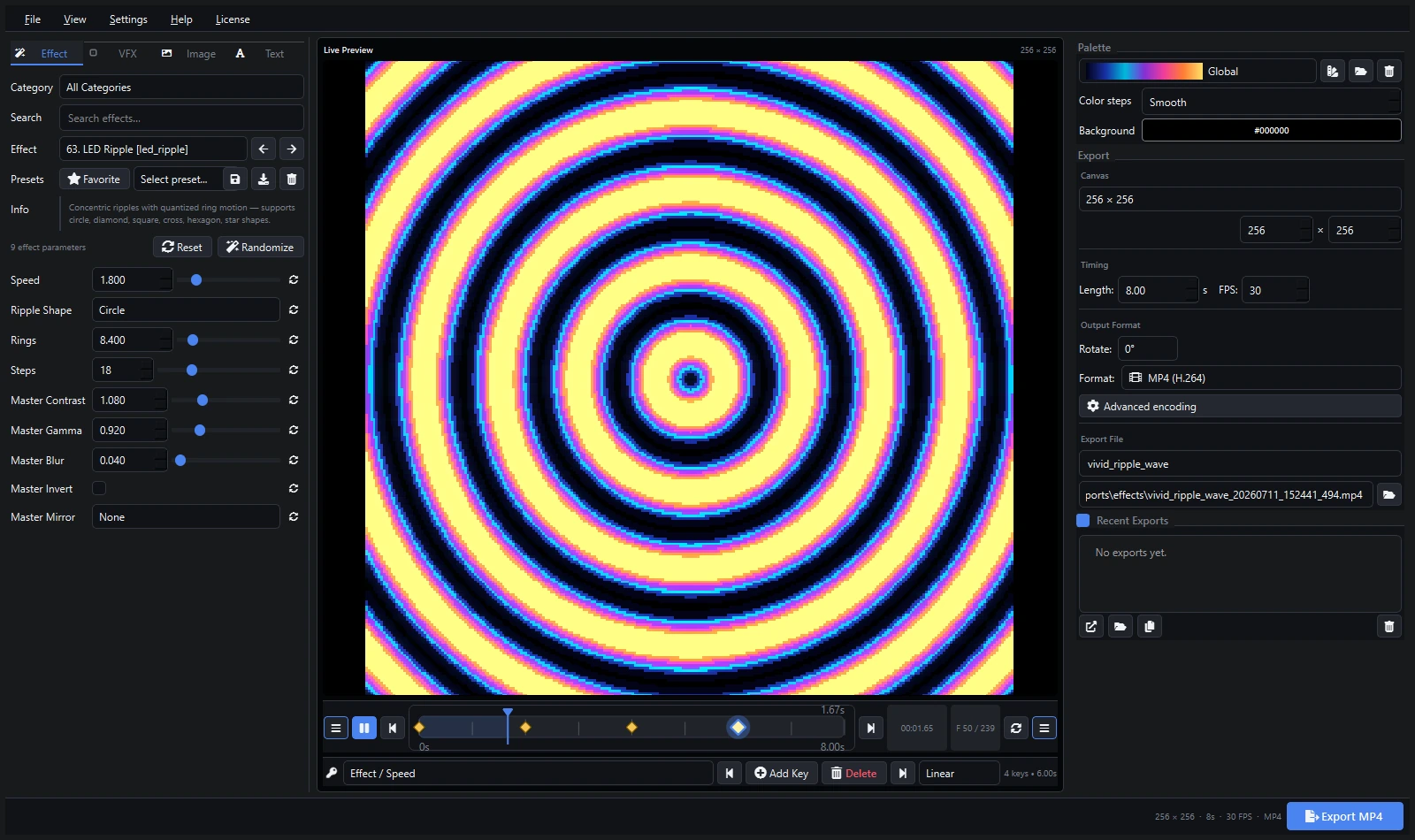
Get SWF effects: The LED Pixel bundle includes thousands of SWF files. Or create your own with Pixel LED Animator 3.
AVI — Best for Jinx! & Glediator
AVI (Audio Video Interleave) is the go-to format for Jinx! and Glediator. It offers good quality with wide compatibility.
Advantages:
- Standard format for Jinx! and Glediator
- Good quality-to-size ratio
- Widely supported
Limitations:
- Requires codec installation for Jinx!
- Large file sizes
- No native transparency
Pro tip: If AVI files won’t play in Jinx!, install the recommended AVI codec pack.
MOV — Best for Madrix & High Quality
MOV (QuickTime) offers excellent quality and supports alpha channels, making it ideal for professional LED installations with Madrix.
Advantages:
- Excellent quality with high bitrates
- Alpha channel support (transparency)
- Native Madrix support
- Works with LedEdit 2016+
Limitations:
- Larger file sizes
- Less universal than MP4
MP4 — Best for Universal Compatibility
MP4 (H.264/H.265) is the most universal format. It works with virtually any software and is ideal for VJ applications.
Advantages:
- Works with everything (Resolume, VDMX, TouchDesigner, etc.)
- Excellent compression with H.264/H.265
- Hardware acceleration on all modern GPUs
- Best for web sharing and social media
Limitations:
- No transparency support
- Slightly lower quality than MOV at same bitrate
Quick Reference by Software
| Software | Best Format | Alternative |
|---|---|---|
| LedEdit 2014 | SWF | MOV (2016+ only) |
| LedEdit 2020-2024 | SWF or MOV | MP4 |
| Jinx! | AVI | MP4 |
| Madrix | MOV | AVI, MP4 |
| Glediator | AVI | MP4 |
| xLights | MP4 | PNG sequence |
| Resolume | MP4 | MOV |
| VJ software | MP4 | MOV |
Where to Get Effects in Each Format
| Product | Formats | Best For |
|---|---|---|
| LED Pixel Effects Bundle | AVI, SWF, MOV, MP4 | All-in-one — every format included |
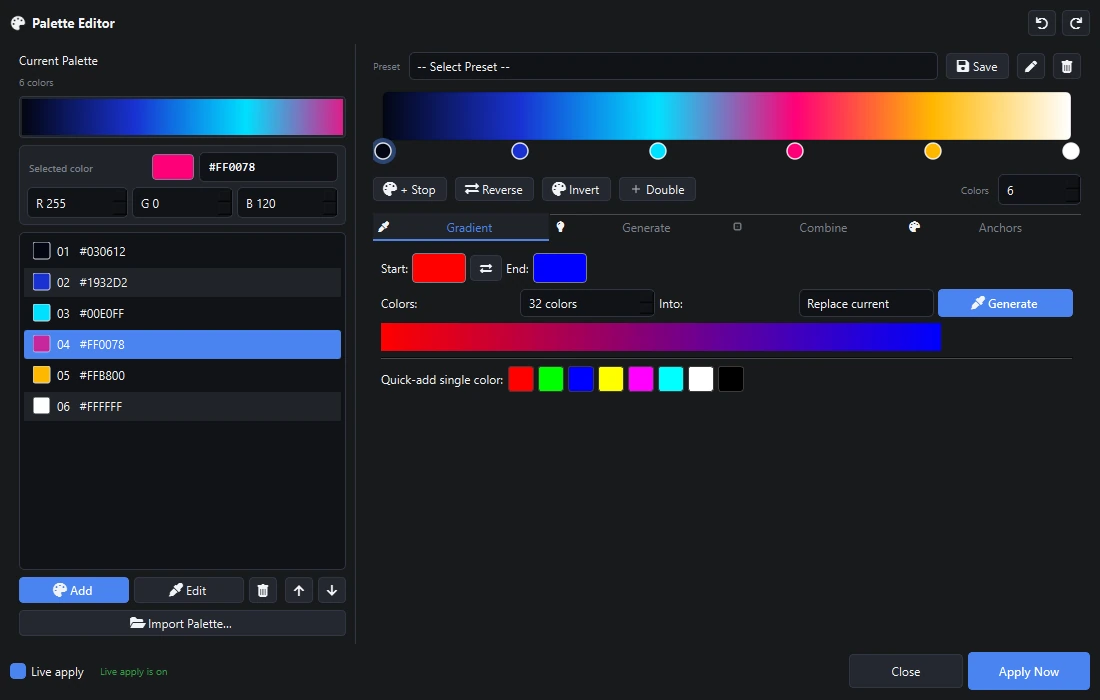
| Pixel LED Animator 3 | Export to any format | Create your own custom effects |
| VJ Loop Studio | MP4, AVI, MOV | Professional VJ loops and LED visuals |
Summary
- LedEdit users → SWF (or MOV for newer versions)
- Jinx! users → AVI with proper codecs
- Madrix users → MOV for best quality
- VJ / Resolume users → MP4 for universal compatibility
- Want everything? → The LED Pixel bundle includes all four formats
Need to create custom effects in any format? Check out Pixel LED Animator 3 — export SWF, AVI, MOV, MP4, and more.