Ready-made 32 × 32 LED matrix panels are an easy way to build a big LED wall. The trick is to treat them as one canvas while every panel keeps its own data output. This project shows the complete setup in LEDEdit Pro 2026 with a K-8000 / T-8000 controller.
The video tour of this project, recorded in the real app. The written guide continues below.
The plan
| Panel | Position | LEDs | Output |
|---|---|---|---|
| A | top left | 1,024 | p1 |
| B | top right | 1,024 | p2 |
| C | bottom left | 1,024 | p3 |
| D | bottom right | 1,024 | p4 |
| Total | 64 × 64 wall | 4,096 | 4 of 8 outputs |
Each output carries 1,024 LEDs — half of the 2,048 the K-8000 / T-8000 profile allows — so outputs 5–8 stay free for more panels later.
1. Stamp the panels
In the LED Layout Creator:
- Set Max LEDs/port to 2048.
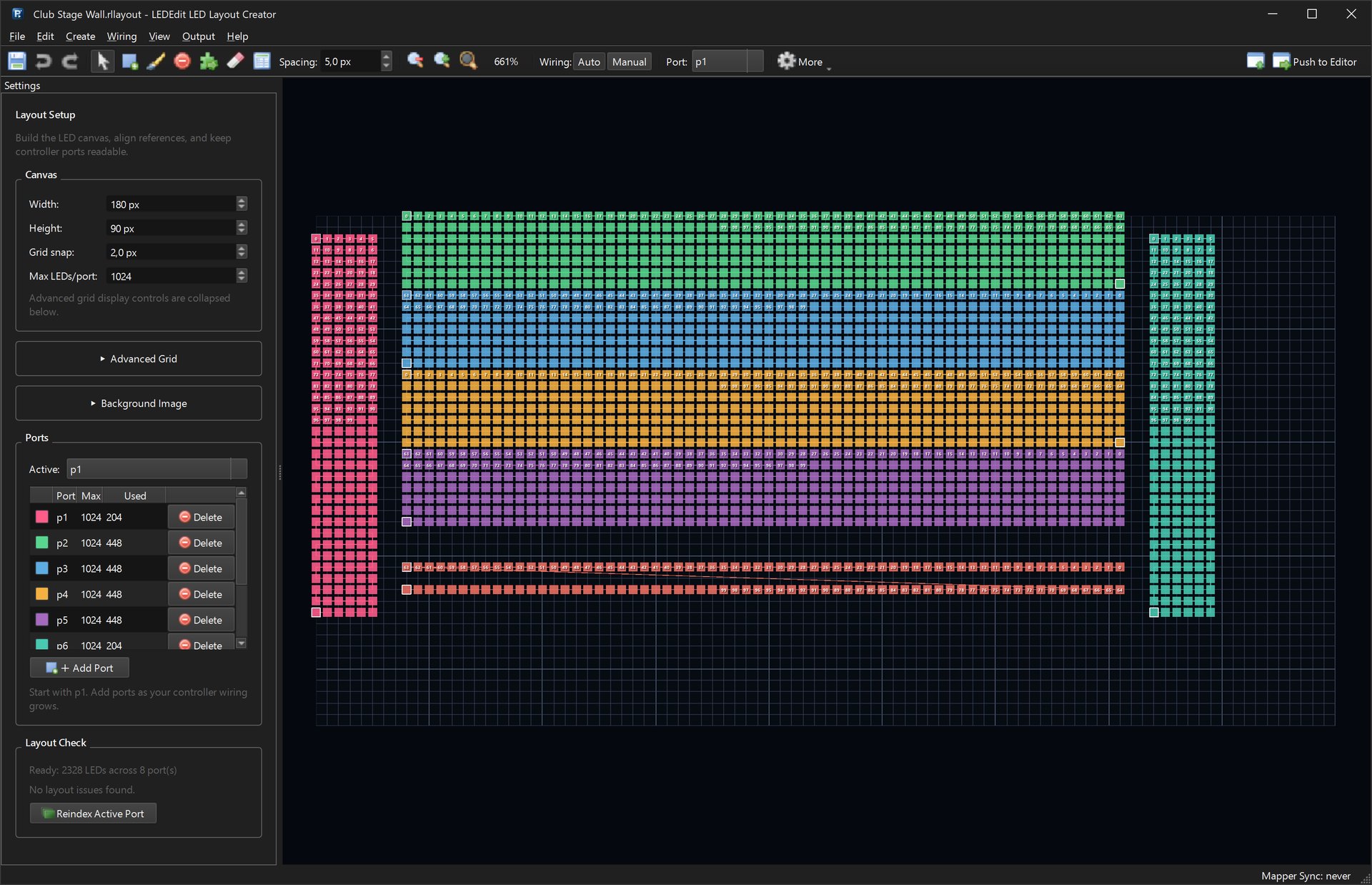
- Select p1, open Create → Pattern Builder… with 32 rows × 32 columns, Rows Serpentine and the start corner where the panel’s data input is. Stamp panel A.
- Switch the active port to p2, p3 and p4 and stamp the other three panels next to each other.
- Layout Check: Ready: 4096 LEDs across 8 port(s) → Push to Editor.

Check the start corner on the real panels. Many panels are wired serpentine, but the input corner and the direction of the first row differ between models. If an animation looks mirrored on one panel, rebuild that panel with a different start corner or use Reverse numbering.
2. Layers that use the whole wall
- Title — the whole wall, for text on top.
- Rings — only panels A and D, for an accent that crosses the wall diagonally.
- Wall — the whole wall, for the main effects.

3. Scenes with blending
Loop A (12 s): Plasma Flow then Kaleidoscope on the Wall, Neon Rings on the Rings layer with the add blend mode, and a LED WALL title with Zoom Pulse at the end.
Loop B (12 s): Matrix Rain and Lava Lamp on the Wall, with a Starburst on the Rings layer in screen blend mode.


4. Preview across panel borders
The per-LED preview shows the effect flowing across all four panels, including the one-pixel gap between them — exactly how the wall will look.

5. Export for the K-8000 / T-8000
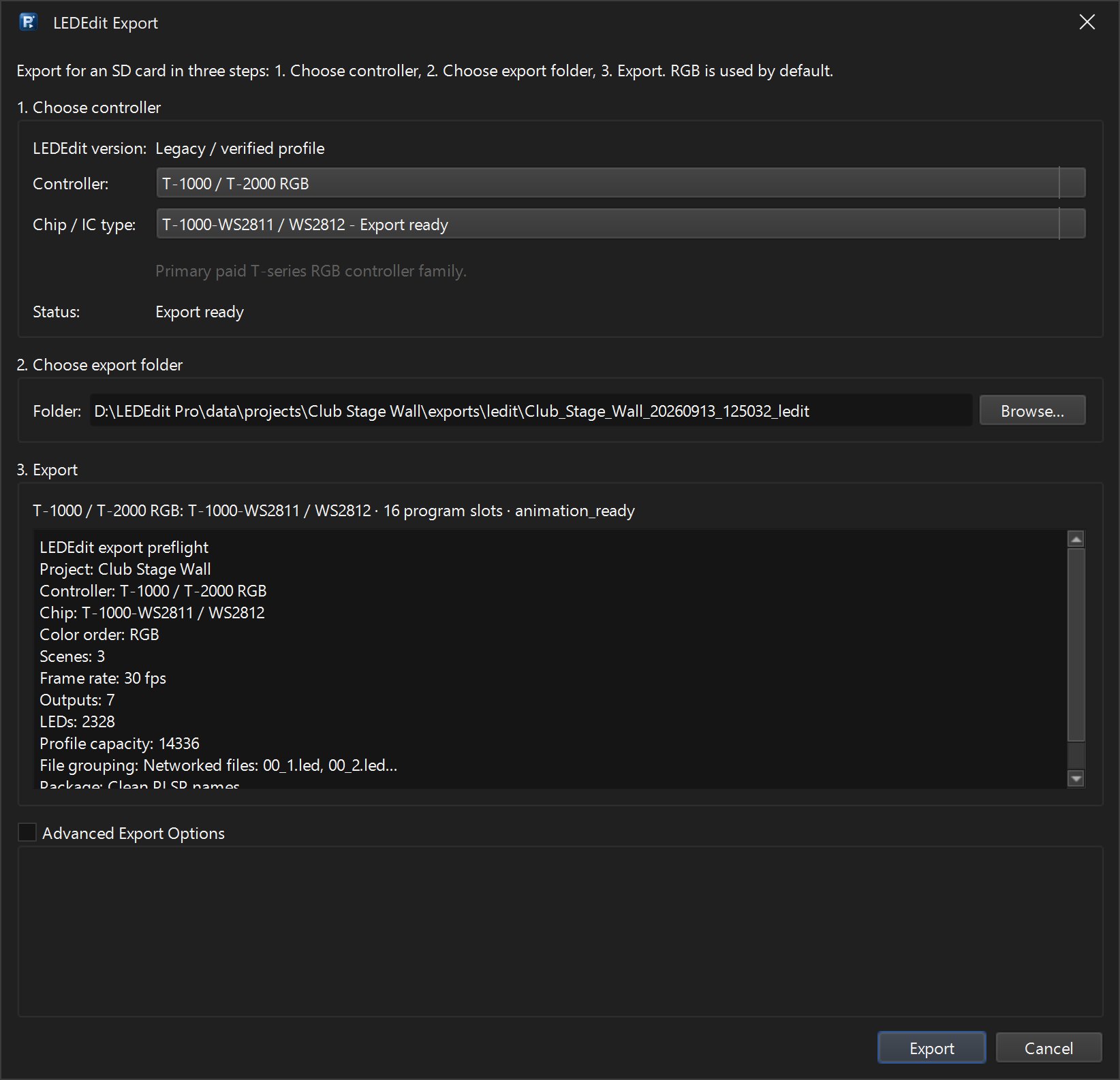
Output → Export LEDEdit .led… → K-8000 / T-8000 family and your chip (for example T-8000B WS2811 / WS2812). The preflight lists the outputs and 4,096 LEDs.

Growing the wall
Adding four more panels uses outputs p5–p8: stamp them the same way and the wall becomes 128 × 64 (8,192 LEDs) on one controller. Keep the port numbers in the same order as your physical cables.