LEDEdit 2014 V2.45 is the classic free release that still powers thousands of T-1000, T-8000 and K-1000C installations worldwide. It is lightweight, stable and runs on both Windows 10 and Windows 11 with a few compatibility tweaks. This guide shows you where to get the safe download, how to install it step by step, and how to verify the file before you run it.
Recommended for new shows: LEDEdit Pro 2026
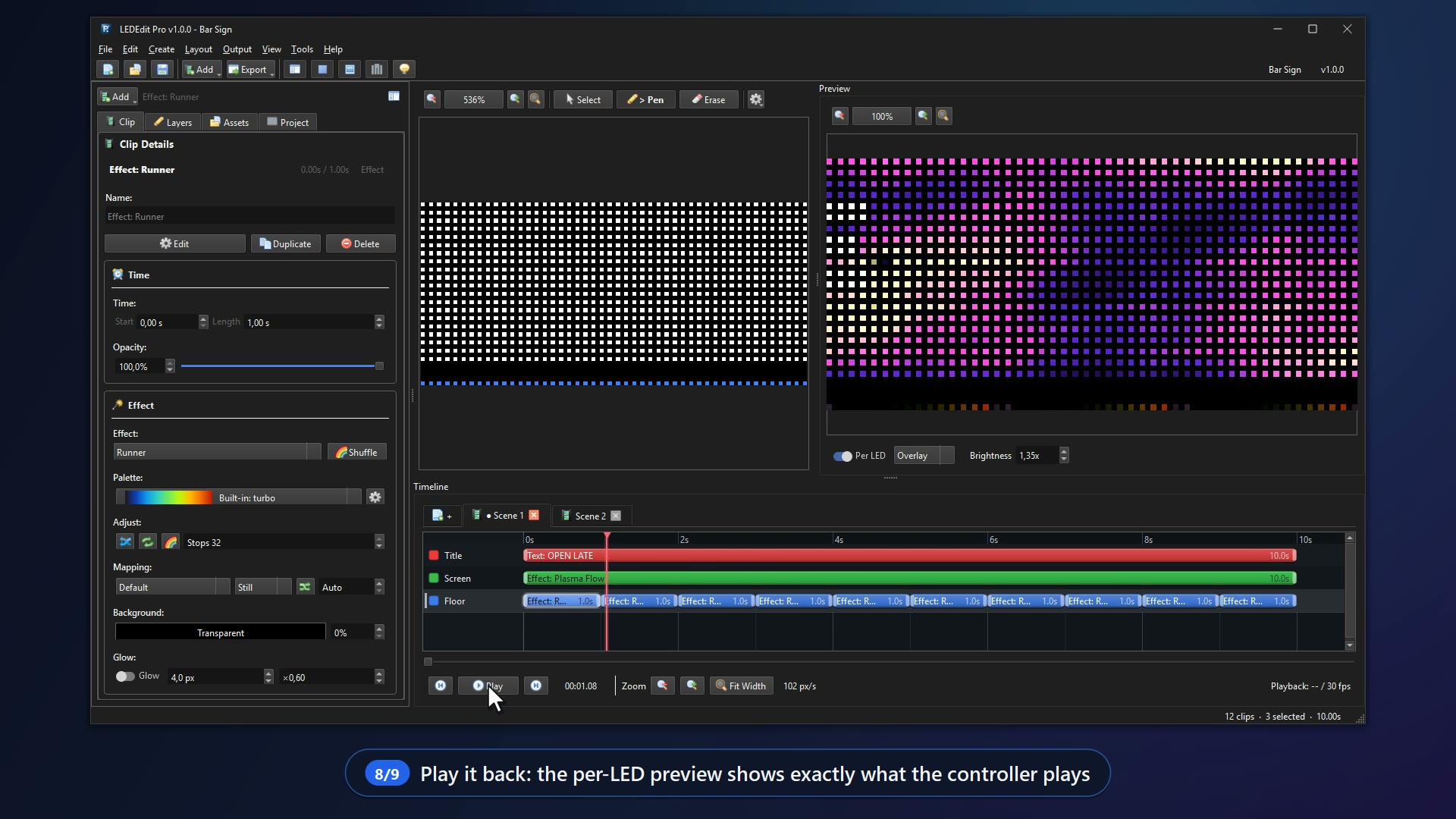
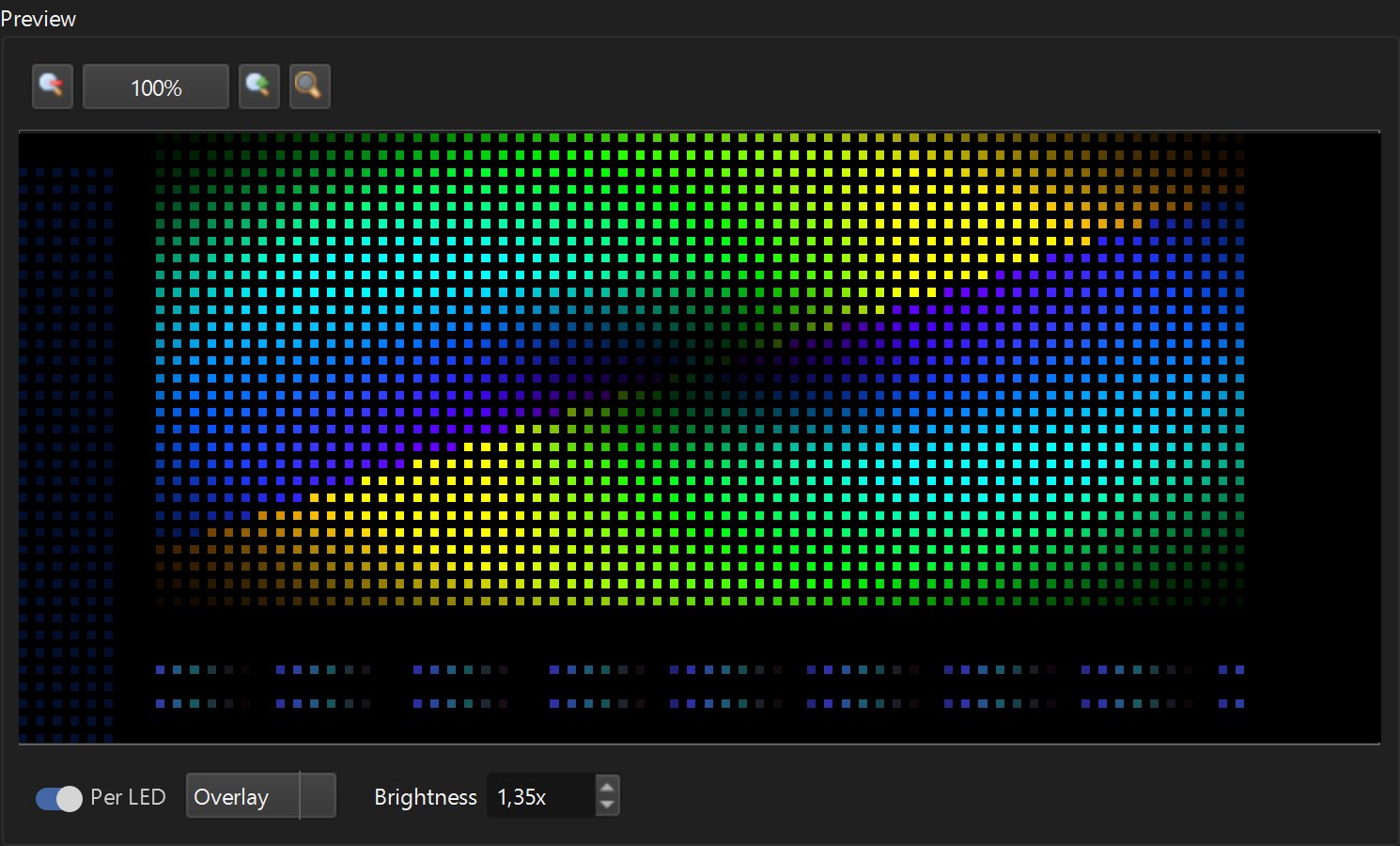
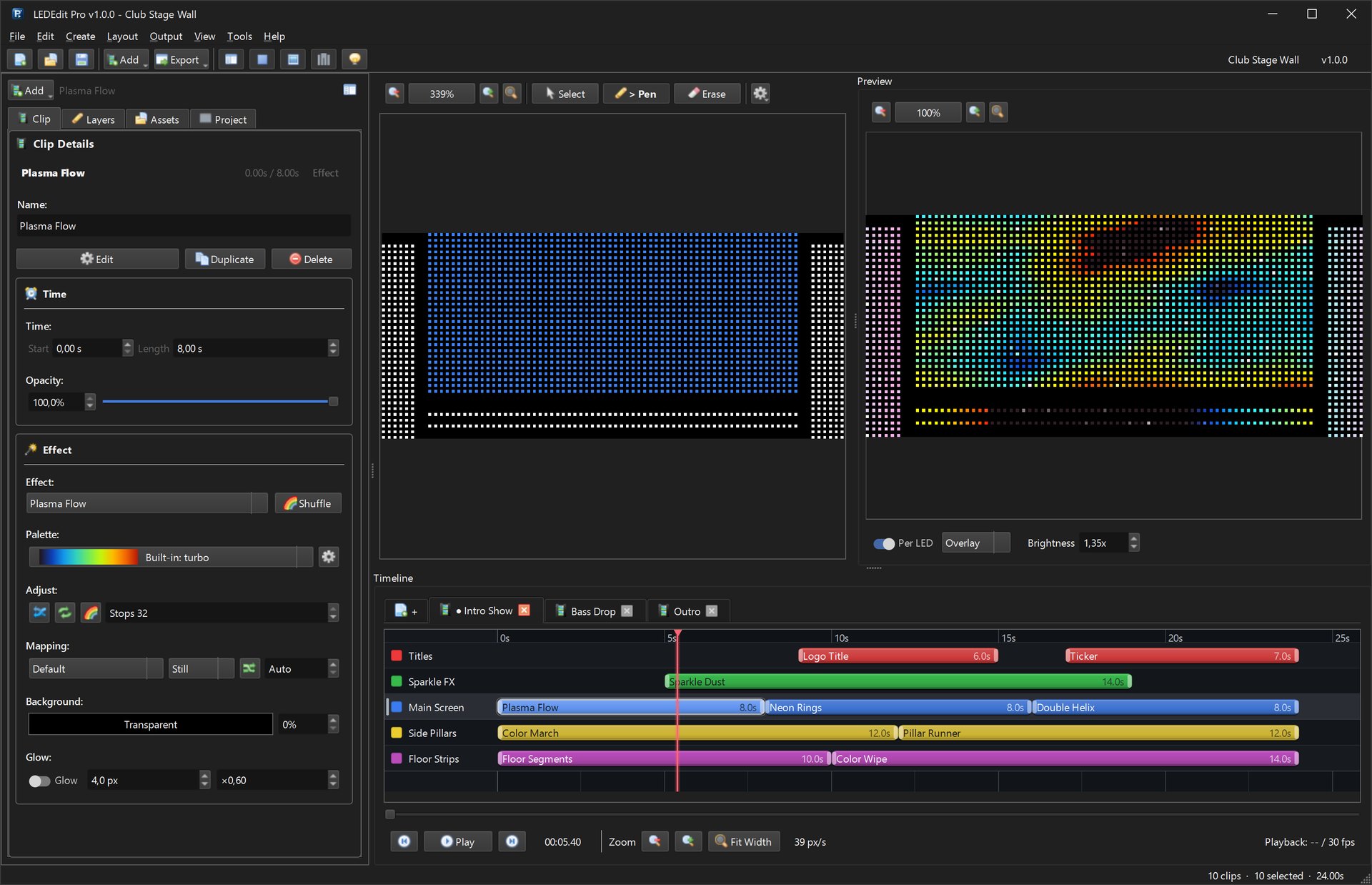
The download above is the old free community release (good for existing setups). For new projects use LEDEdit Pro 2026 — multi-layer timeline, 151 effects, LED Layout Creator with DXF import/export, live per-LED preview and direct .led export for 19 controller families.
What is LEDEdit 2014 V2.45?
LEDEdit 2014 is the last widely distributed build in the 2014 line, commonly identified as V2.45 (sometimes labelled V5.20 in the About dialog, which is the same codebase). It introduced:
- Timeline editor with scene sequencing and speed control
- AVI and SWF import for pixel mapping
- Built-in effect library with text, image and video overlays
- Direct
.ledexport for T-1000S, T-8000, K-1000C and K-8000 series controllers - Schedule files (
.tst) for timed playback
The installer is about 45 MB zipped and unpacks to roughly 120 MB. It was built for Windows XP through Windows 8, which is why Windows 10 and 11 need the compatibility steps below.
Tip: If you are starting a brand-new installation and do not have a legacy show to maintain, LEDEdit Pro 2026 replaces every 2014 workflow with a modern timeline and fixes the long-standing color-order and AVI codec bugs.
Where to download LEDEdit 2014 V2.45 safely
Get the file only from a known mirror you trust. Avoid repacked bundles that add adware. The canonical free download is the LedEdit 2014.zip archive hosted on community mirrors — the same file linked from Free LEDEdit downloads.
Expected archive contents:
LedEdit2014.exe— main application (portable, no installer)Effect/— built-in effect presetsLanguage/— UI translation filesMp3/— optional audio examplesReadme.txt— changelog and controller list
Verify the download with a hash check
Before extracting, verify the file to make sure it was not corrupted in download:
# PowerShell on Windows 10/11
Get-FileHash .\LedEdit2014.zip -Algorithm SHA256
Compare the output with the hash published on the download page where you got the file. If the hash does not match, re-download. A mismatched hash can also mean the archive was tampered with.
Note: Keep the ZIP read-only after verification. Windows Defender occasionally flags unsigned Delphi executables as generic PUP — add an exclusion only after you verified the hash.
System requirements and Windows 10/11 compatibility
| Requirement | LEDEdit 2014 needs | Recommended on Win10/11 |
|---|---|---|
| OS | Windows XP SP3 to Windows 8.1 (32-bit) | Windows 10 22H2 or Windows 11 23H2/24H2, 64-bit — run in compat mode |
| CPU | 1 GHz Pentium | Any modern dual-core — no issue |
| RAM | 512 MB | 4 GB — prevents AVI import crashes on large videos |
| Disk | 200 MB free | 1 GB free for temp AVI + exported .led files |
| Display | 1024×768 | 1920×1080 — the timeline stretches better |
| Extras | DirectX 9, Windows Media Player 9+ | Installed by default on Win10/11; install K-Lite only if AVI preview fails |
Windows 10 and 11 run LEDEdit 2014 just fine once you apply the compatibility settings below. The app is 32-bit, so it installs under C:\Program Files (x86) if you use an installer bundle, or runs portable from any folder.
Step-by-step: install and first run on Windows 10/11
1. Create the folder
Create C:\LEDEdit2014\ — short, no spaces, no accents. Avoid Program Files to dodge UAC permission prompts when exporting .led files.
2. Extract the ZIP
Right-click LedEdit2014.zip → Extract All → C:\LEDEdit2014\. You should see LedEdit2014.exe alongside the Effect folder.
Screenshot described: Windows Explorer showing the extracted folder with LedEdit2014.exe highlighted, Effect subfolder visible, and the address bar reading C:\LEDEdit2014.
3. Fix the executable for modern Windows
Right-click LedEdit2014.exe → Properties:
- Compatibility tab → check Run this program in compatibility mode for: Windows 7
- Check Run this program as an administrator
- Check Disable fullscreen optimizations
- Change high DPI settings → check Override high DPI scaling → System (Enhanced)
Apply and close. These three switches fix 90% of “Class not registered” and black-preview issues.
Screenshot described: Properties dialog, Compatibility tab, with the three checkboxes above ticked and Windows 7 selected in the dropdown.
4. Enable .NET and legacy codecs (only if preview fails)
LEDEdit 2014 relies on DirectShow for AVI preview. If preview is black:
- Open Turn Windows features on or off → enable Media Features → Windows Media Player
- If AVI import still fails, install the 32-bit K-Lite Basic codec pack — restart after install
5. Launch and choose the language
Double-click LedEdit2014.exe. On first launch pick English in the language prompt. The app opens to the LED Effect Design window with a blank timeline at the bottom.
Screenshot described: LEDEdit 2014 splash followed by the main window; timeline with two empty tracks, device type dropdown showing T-1000-WS2811 at top.
6. Set the controller and chip once
Go to File → LED Type and select the controller family printed on your hardware — for example T-8000-WS2811, T-1000S-WS2811 or K-1000C-RGB. This setting determines the .led header the file will be exported with. If you pick the wrong family, the file will be ignored on the SD card.
Set Pixel Count to the total number of LEDs wired to one output (for example 1024 for a 32×32 matrix wall). LEDEdit 2014 will warn you if the count exceeds the controller limit.
Create your first show and export to SD
- Layout — click Layout and draw the matrix: set width, height and wiring (serpentine or straight). Keep it under the per-output limit — see T-8000 programming guide for the full 8-output workflow.
- Import media — drop an AVI or image onto the timeline; trim to match your frame rate (30 fps default).
- Add effects — use EffectLib for built-in patterns, or type scrolling text with the Text tool.
- Preview — press Play to preview; check per-LED colors before export.
- Export — File → Export → Export .led file. Choose the same controller and chip you set earlier, then save as
LEDEdit.ledor00_01.leddepending on your controller manual. - SD card — format a 2–32 GB card as FAT32 (not exFAT), allocation size 4096 bytes. Copy the
.ledfile to the root — not inside a folder. If you also use scheduling, copy the generated.tstfile alongside.
SD card root (FAT32)
├── 00_01.led      ← your show (name matters per controller)
├── backup.led     ← optional second scene
└── LedEdit.tst    ← schedule file if you created one
Insert the card into the controller with power off, then power on. The controller reads the file within two seconds; most models blink the status LED while loading.
Common install problems and quick fixes
- “Component COMDLG32.OCX not correctly registered” — run the app as administrator once, or register manually: open Command Prompt as admin and run
regsvr32 C:\Windows\SysWOW64\COMDLG32.OCX(64-bit Windows) then restart LEDEdit. See the full Class Not Registered fix for step by step. - Black video preview — install Windows Media Player feature or K-Lite; avoid HEVC-encoded AVI, use plain MJPEG or uncompressed AVI.
- Text shows as boxes — install the font the project used, or switch to Arial in the Text dialog.
- Exported .led does nothing — wrong controller/chip choice, wrong filename, or SD formatted as exFAT. Re-export with verified family and FAT32.
- Antivirus quarantine — restore from quarantine, add
C:\LEDEdit2014\to exclusions, re-verify hash.
Should you stay on 2014 or move to Pro 2026?
Stay on 2014 if you have a frozen legacy installation that must not change and the current file plays reliably. Move to LEDEdit Pro 2026 when you:
- Need modern Win10/11 support without compatibility workarounds
- Want 151 effects instead of 40, live per-LED preview and DXF import
- Hit wrong-colors bugs (WS2811 RGB vs GRB) — Pro fixes order per port
- Need reliable
.ledexport for T8K-U / T1K-512 / K-8000 8-output setups that 2014 handles poorly
Pro imports 2014 .led shows and re-exports with the correct headers, so migration is non-destructive.