Before you buy or start a project, check that LEDEdit Pro 2026 writes the SD-card format of your controller. This page lists all 19 controller families and the chip profiles behind them, straight from the controller catalog in the app.
In short: LEDEdit Pro 2026 exports LEDEdit .led files for 19 controller families with 334 chip profiles. 329 of those profiles are export-ready; five TLS/curtain profiles are listed but not exported yet.
Controller families
Each major family also has its own page with specs, chip lists and an export walkthrough — see the LED controller pages.
“Outputs” is the number of ports the export profile uses; “LEDs per output” is the profile’s pixel limit per port.
| Controller family | Outputs | LEDs per output | Chip profiles | Notes |
|---|---|---|---|---|
| T-1000 / T-2000 RGB | 1 | 2,048 | 81 | Main T-series family (RGB, RGB48, mono, DMX variants) |
| K-1000 / K-1000C | 1 | 2,048 | 2 | WS2811 / WS2812 and combined “ALL” file |
| K-8000 / T-8000 | 8 | 2,048 | 9 | K-8000-ALL and T-8000B chip variants |
| T-1000 Type 47 | 1 | 2,048 | 4 | T/K variants using type-47 headers |
| T-4000 | 4 | 2,048 | 5 | Matrix controller variants |
| T1K-U-2048 | 1 | 2,048 | 15 | LEDEdit 2026 series, RGB, RGBW and DMX512 chips |
| T2K-U-1024 | 2 | 1,024 | 15 | LEDEdit 2026 series |
| T4K-U-1024 | 4 | 1,024 | 15 | LEDEdit 2026 series |
| T8K-U-1024 | 8 | 1,024 | 15 | LEDEdit 2026 series |
| T12K-U-200 | 12 | 200 | 15 | Special 12-channel fireworks / kite controller |
| T20K-U-200 | 20 | 200 | 15 | Special 20-channel fireworks / kite controller |
| T1K-512 | 1 | 512 | 19 | DMX512 single-channel controller |
| RH-ALL-NEW | 1 | 100 | 19 | Programmable controller |
| DC-COLOR | 1 | 512 | 15 | Full-colour controller family |
| T-1000 legacy / free | 1 | 2,048 | 5 | Older T-1000 and LED007 variants |
| T-100K Free | 1 | 512 | 78 | T-100K chip variants |
| T-500K Free | 1 | 512 | 1 | T-500K combined file |
| DMX / Monochrome | 1 | 512–2,048 | 3 | DMX V3 / T-1000-DMX, mono and T-100K-DMX |
| Special / Break | 1 | 512 | 3 | Special branches such as T-100K-SC |
Chips and ICs
The chip profiles cover the common pixel ICs, including:
- WorldSemi: WS2811, WS2812, WS2818A, WS2818B, WS2801
- Sunmoon: SM16703, SM16704, SM16715, SM16716, SM16726, SM16512
- UCS: UCS1903, UCS8903, UCS512B3, UCS512C3, UCS512C4
- Titan Micro: TM1809, TM1814, TM1829, TM1913, TM1914, TM1926
- Others: GS8206, P9813, P9883, LPD6803, LPD1886, LX1003, MY9221, APA102, TX5806
- DMX512 at 250K, 500K and 750K on the LEDEdit 2026 series
RGBW chips (for example TM1814, TM1914 and SM16704) are supported on the LEDEdit 2026 series controllers, and 16-bit-per-channel chips such as TX5806 use a 48-bit RGB payload.
How to pick the right profile
- Read the label on the controller. Pick the family printed on it — T-1000 and T-1000 Type 47 are different profiles.
- Match the chip, not the strip brand. The IC name (WS2811, SM16703…) is printed on the pixel or listed on the strip’s datasheet.
- Check the colour order. Profiles default to RGB. Wrong colour order gives wrong colours, not a dark display.
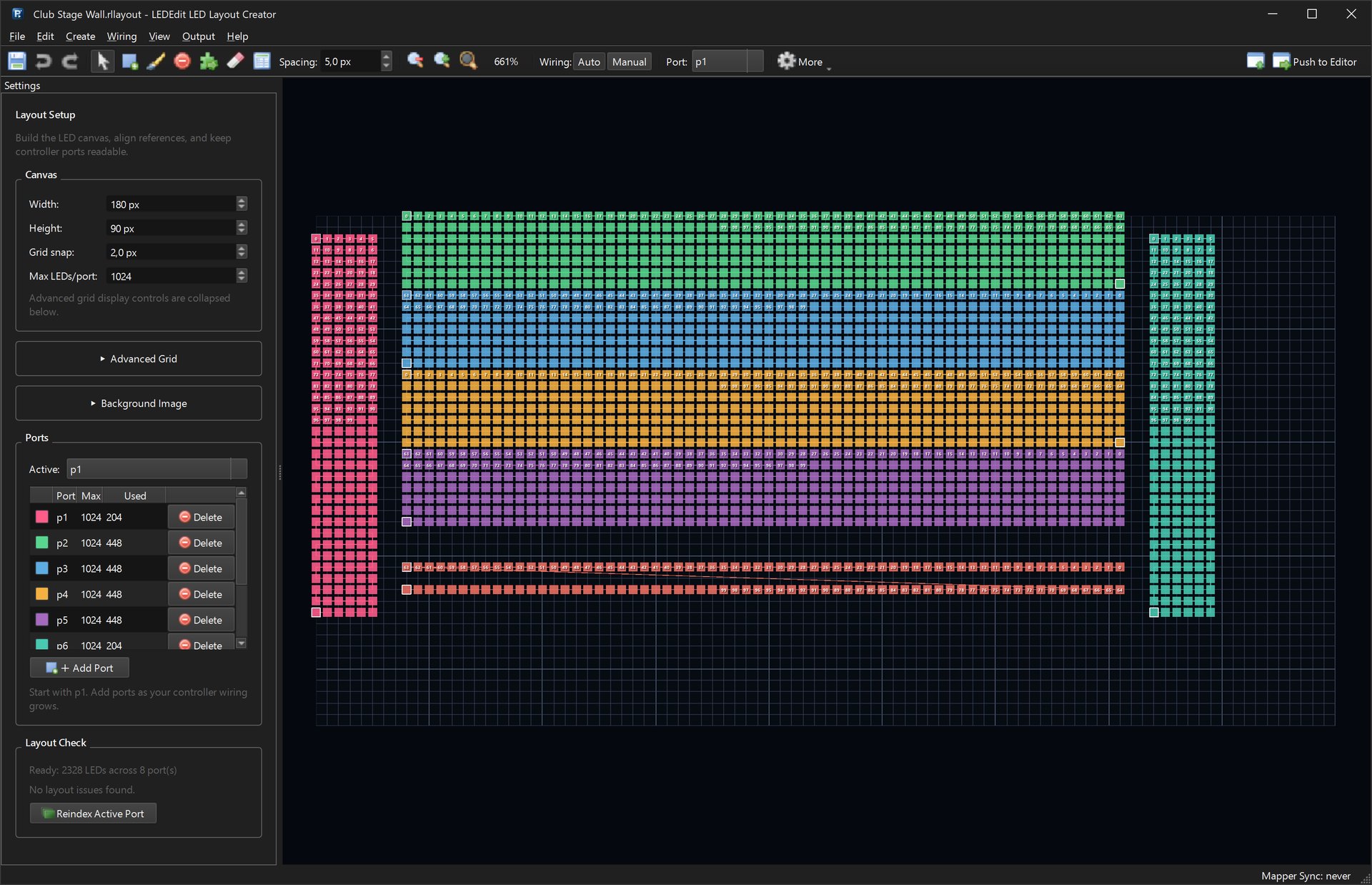
- Respect the per-output limit. Split long runs across ports in the LED Layout Creator so no port exceeds the limit above.
- Read the preflight. Before writing, the export dialog lists controller, chip, colour order, scenes, frame rate, outputs and LED count.
Controller-specific extras
LEDEdit Pro 2026 also handles the extra files some controllers need, under Output:
- Export DMX Address Config… — separate DmxSet.led address/config files.
- LEDEdit Tools → Time Schedule… —
.tstschedule files. - LEDEdit Tools → Q12 / Special Controller Settings… — patches Q12 switch-input settings into a
.ledfile. - LEDEdit Tools → Inspect .led File… — reads LEDEdit headers, DMX configs and schedule files.
- LEDEdit Tools → Build Firmware Upgrade (up.lw)… — packages a controller BIN into an
up.lwupgrade file.

My controller is not listed — or the file does not play
Controllers exist in many hardware and firmware revisions. If yours is missing or refuses a file:
- Double-check family, chip and colour order.
- Export the DXF layout + an AVI video from LEDEdit Pro and build the
.ledfile in the free LEDEdit version that works with your controller — see the fallback guide. - Tell us the controller model and firmware and attach the exported file. Controller reports help us add or fix profiles in updates.