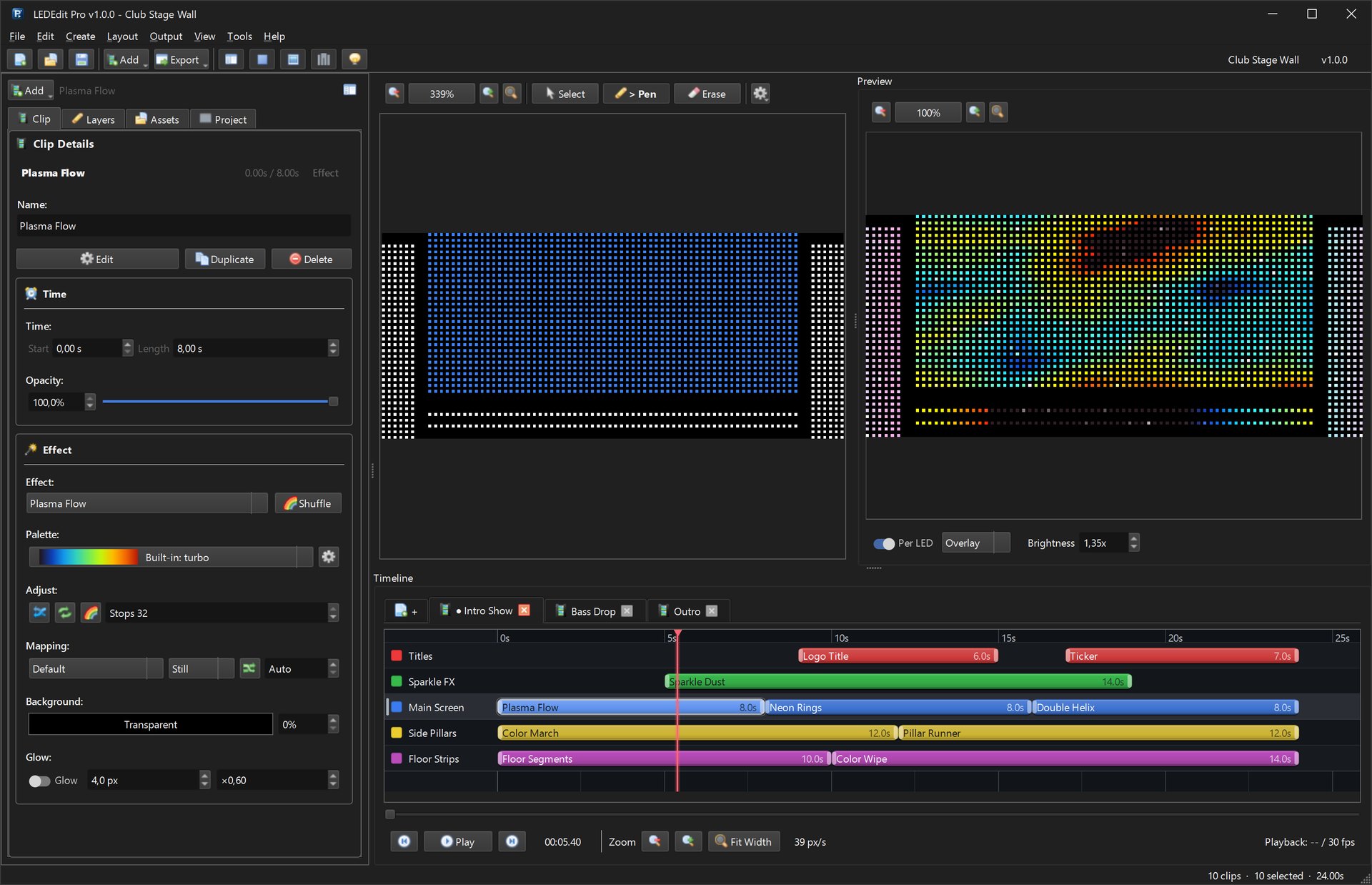
This video shows LEDEdit Pro 2026 doing real work: a small bar sign goes from an empty project to .led files ready for the controller’s SD card. It was recorded from the app itself with a scripted demo project — every window and dialog is the real one, only the cursor is animated.
Chapters
Full transcript
- 0:00 LEDEdit Pro 2026 — a real project from LED layout to SD card
- 0:03 Start a new project from the start screen
- 0:06 Map the LEDs: stamp a 48 × 20 matrix with serpentine wiring
- 0:20 Add a floor strip on a second port, check the layout, push it to the editor
- 0:35 Paint layer masks: each layer drives its own part of the layout
- 0:44 Add an effect clip, search the 151 effects and pick a palette
- 0:55 Add a scrolling text clip on its own layer
- 1:06 Auto Animate repeats a chaser along the floor strip
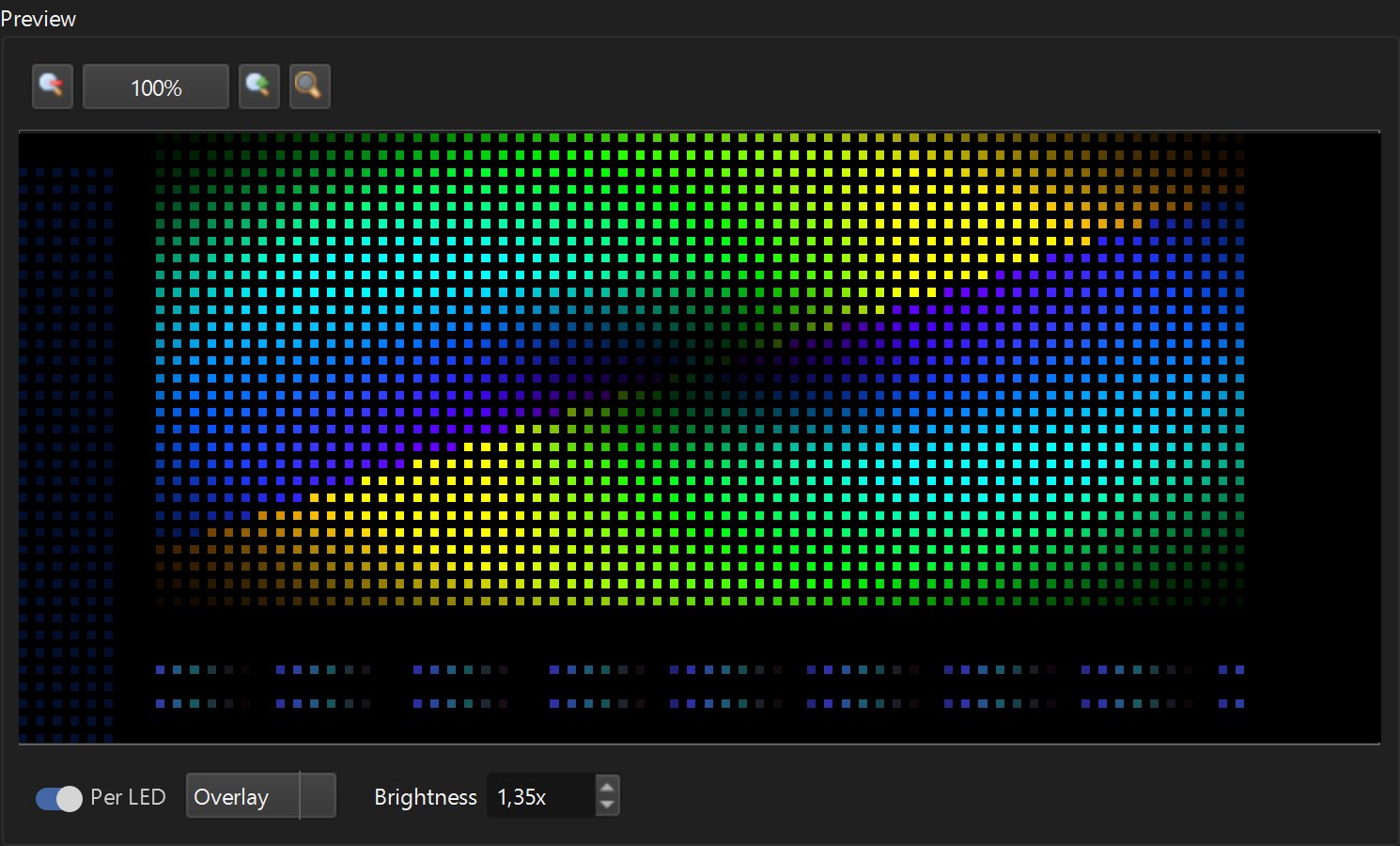
- 1:14 Play it back: the per-LED preview shows exactly what the controller plays
- 1:23 Export .led files for a T-1000 controller with WS2811 pixels
- 1:33 LEDEdit Pro 2026 · lifetime license · lededit.pro
What happens in the video
1. A new project
The start screen creates a project folder with the project file, the layout and an exports folder. → Getting started tutorial
2–3. The LED layout
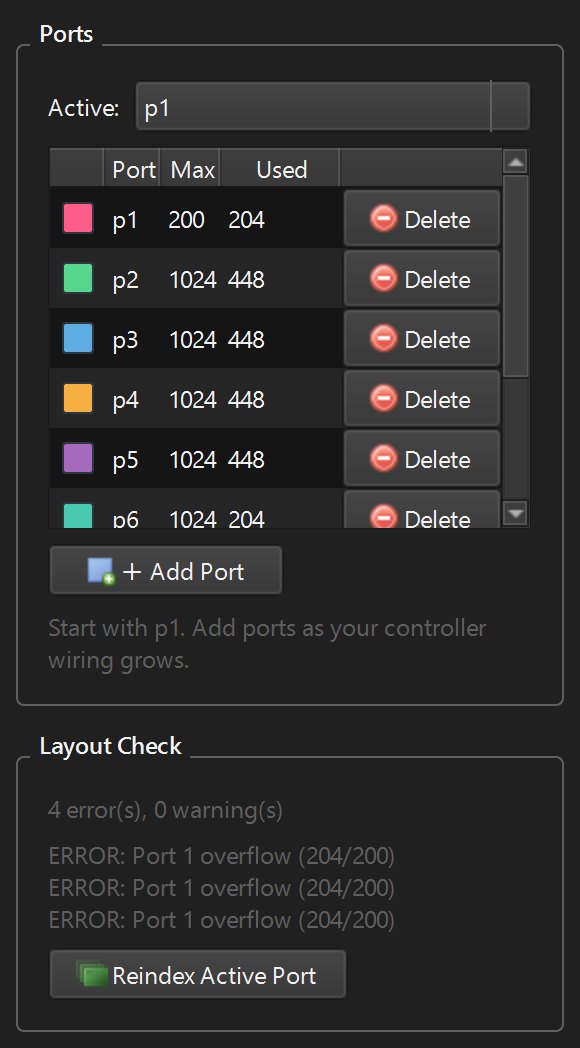
In the LED Layout Creator, Pattern Builder stamps a 48 × 20 matrix wired serpentine on port p1 — the ghost preview shows the wire route before it lands. A 48-LED floor strip goes on port p2, Layout Check confirms the counts, and Push to Editor sends the layout to the project. → LED pixel mapping guide
4. Layers
Three layers — Title, Screen and Floor — each get a painted mask, so every layer drives only its own LEDs. The first layer draws on top. → Timeline, layers and scenes
5. Effects
An effect clip is stretched to 10 seconds on the timeline; in Effect Settings a search for “plasma” finds Plasma Flow, and the synthwave palette colours it. → 151 effects and 149 palettes
6. Text
A text clip on the Title layer gets “OPEN LATE”, a bigger bold font and the Marquee animation from right to left. → Scrolling text on LED pixels
7. Auto Animate and scenes
Auto Animate turns one short chaser on the floor strip into ten clips across the timeline, and a second scene is added with the + tab.
8. Per-LED preview
Playback zooms into the preview: every frame is sampled onto the real LED positions — exactly what the controller will play.
9. SD-card export
Export LEDEdit .led with the T-1000 / T-2000 RGB family and a WS2811 chip profile; the preflight lists everything and the export completes. → Supported controllers