Free LEDEdit has programmed SD-card pixel controllers such as the T-1000 and K-1000C for years, and the free versions are still available for download. LEDEdit Pro 2026 is a new, paid editor that writes the same kind of .led SD-card files — but builds them in a very different way.
This article compares the two honestly: what stays the same, what LEDEdit Pro 2026 adds, and when the free version is all you need.
Short answer: if you build more than a quick one-off effect — several zones, titles, scenes, or shows you revise often — LEDEdit Pro 2026 saves a lot of time. If you play one simple effect on one controller that already works with a free version, stay free.
What stays the same
- SD-card
.ledfiles. LEDEdit Pro exports LEDEdit.ledpackages that go on the controller’s SD card, just like before. - DXF layouts. You can import your existing LEDEdit/DXF layouts and export layouts back to DXF.
- Controller and chip selection. You still choose the controller family and the chip / IC type when you export.
- The free versions don’t go away. You can keep using them next to LEDEdit Pro — more on that below.
What LEDEdit Pro 2026 adds
1. A timeline with layers and scenes
Content lives on layers, and each layer covers part of your LED layout — for example main screen, side pillars and floor strips. Clips on different layers play at the same time. Scene tabs split a show into parts like Intro, Bass Drop and Outro, and for video export you choose one scene, all scenes or a selection. Snapping, copy/paste, duplicate and full undo/redo work as you’d expect from a video editor. Learn the timeline →
2. Effects that are built in, not files
Classic free LEDEdit workflows revolve around effect files, often SWF (Flash) — a format that is being phased out (format comparison). LEDEdit Pro 2026 generates its effects itself: 151 effects in 17 categories, each with its own parameters, 149 palettes, glow and background controls. Change the speed or colours and the result updates immediately — no re-rendering in another tool. Effects guide →
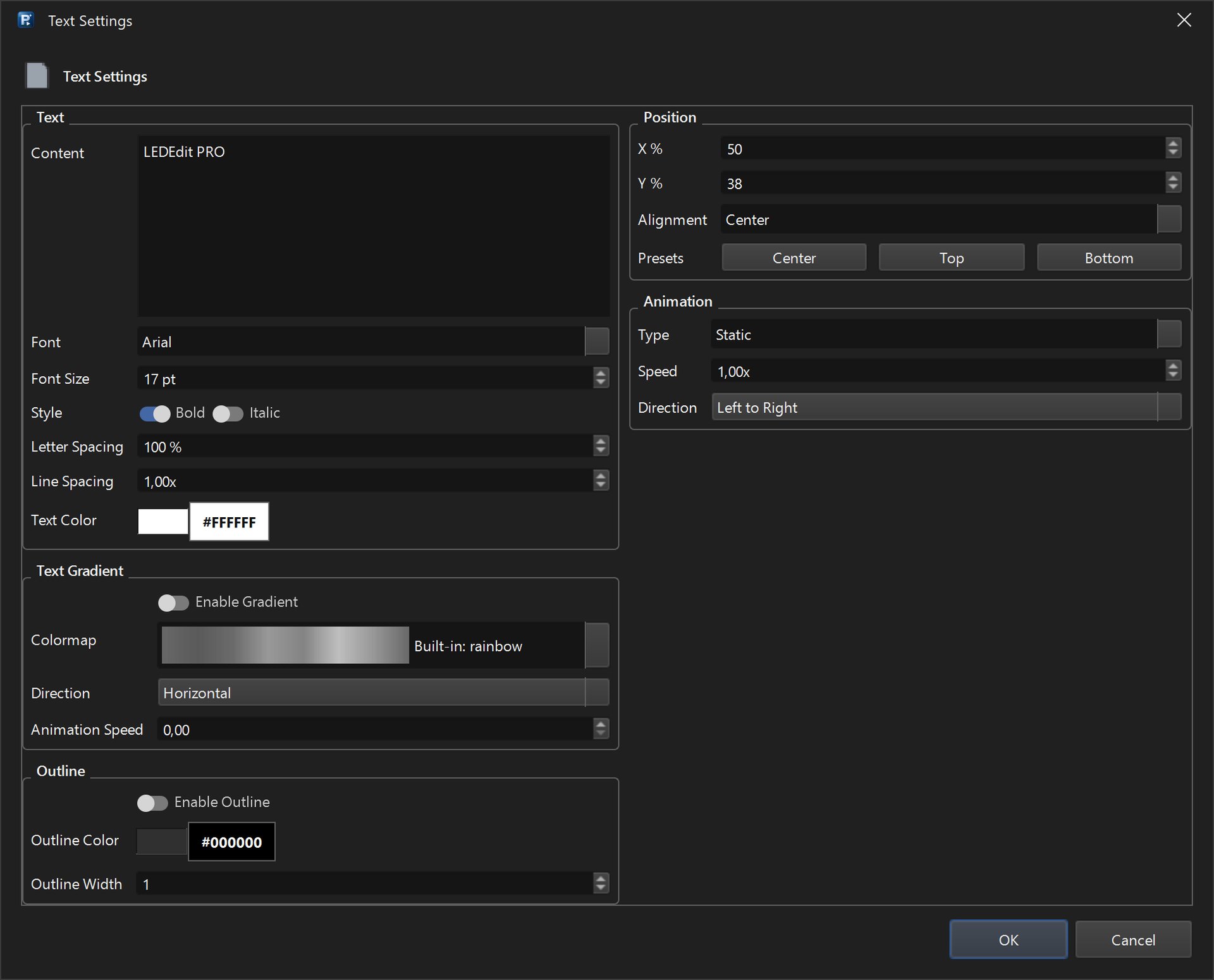
On top of that you can add text clips (22 animation types), image clips and video clips from MP4, MOV, MKV, AVI and WebM files.
3. A per-LED preview
The Per LED preview samples each frame onto your real LED positions, so you see what the controller will play — gaps, pillars and strips included — before you write the SD card.
4. The LED Layout Creator
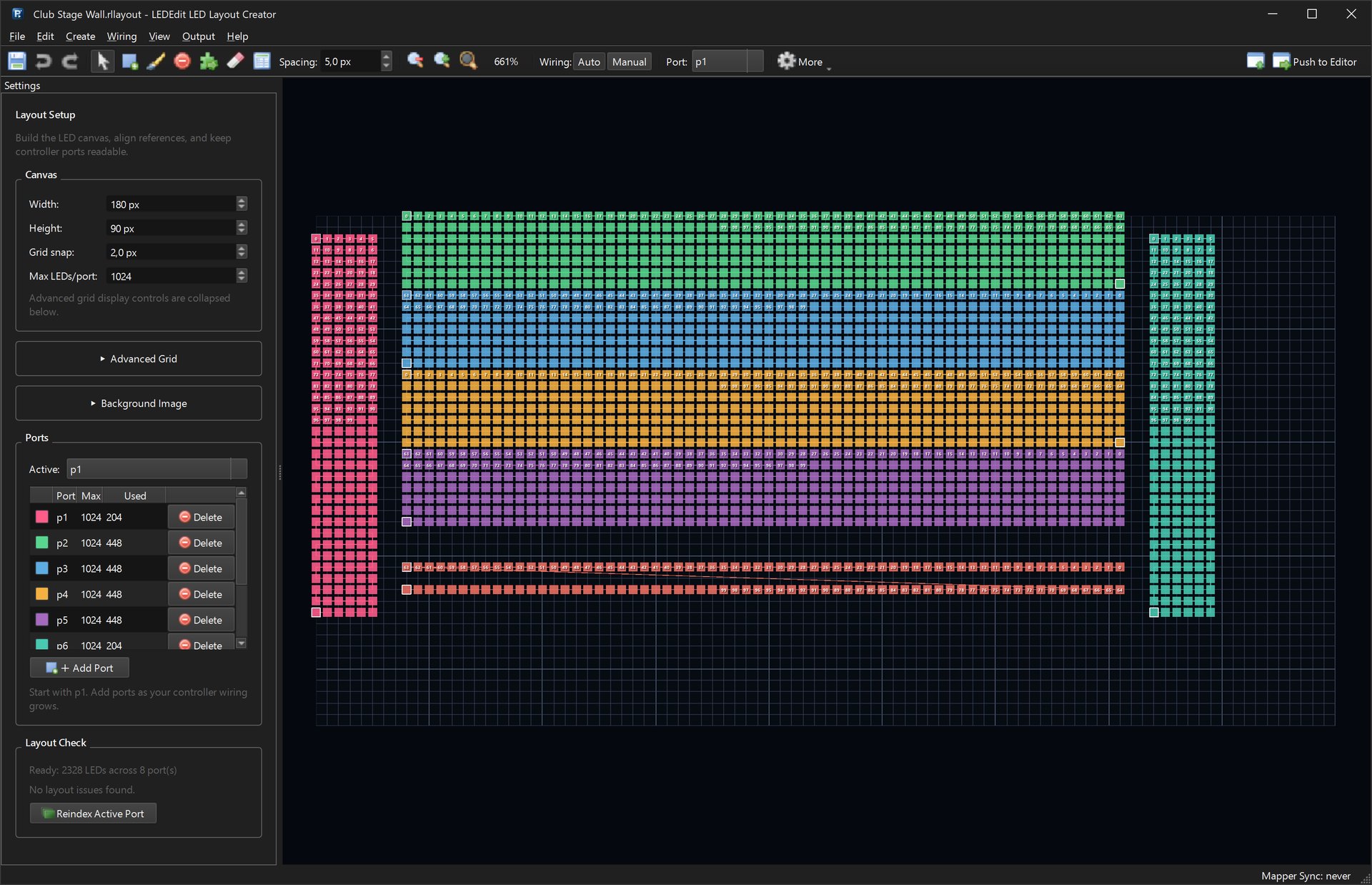
Draw layouts with serpentine or linear wiring, manage up to 64 ports with a max-LEDs-per-port limit, trace over a background image and let Layout Check find problems. Then push the layout into the editor or export it as DXF, CSV, PNG or a reference BMP. Layout guide →
5. One app for 19 controller families
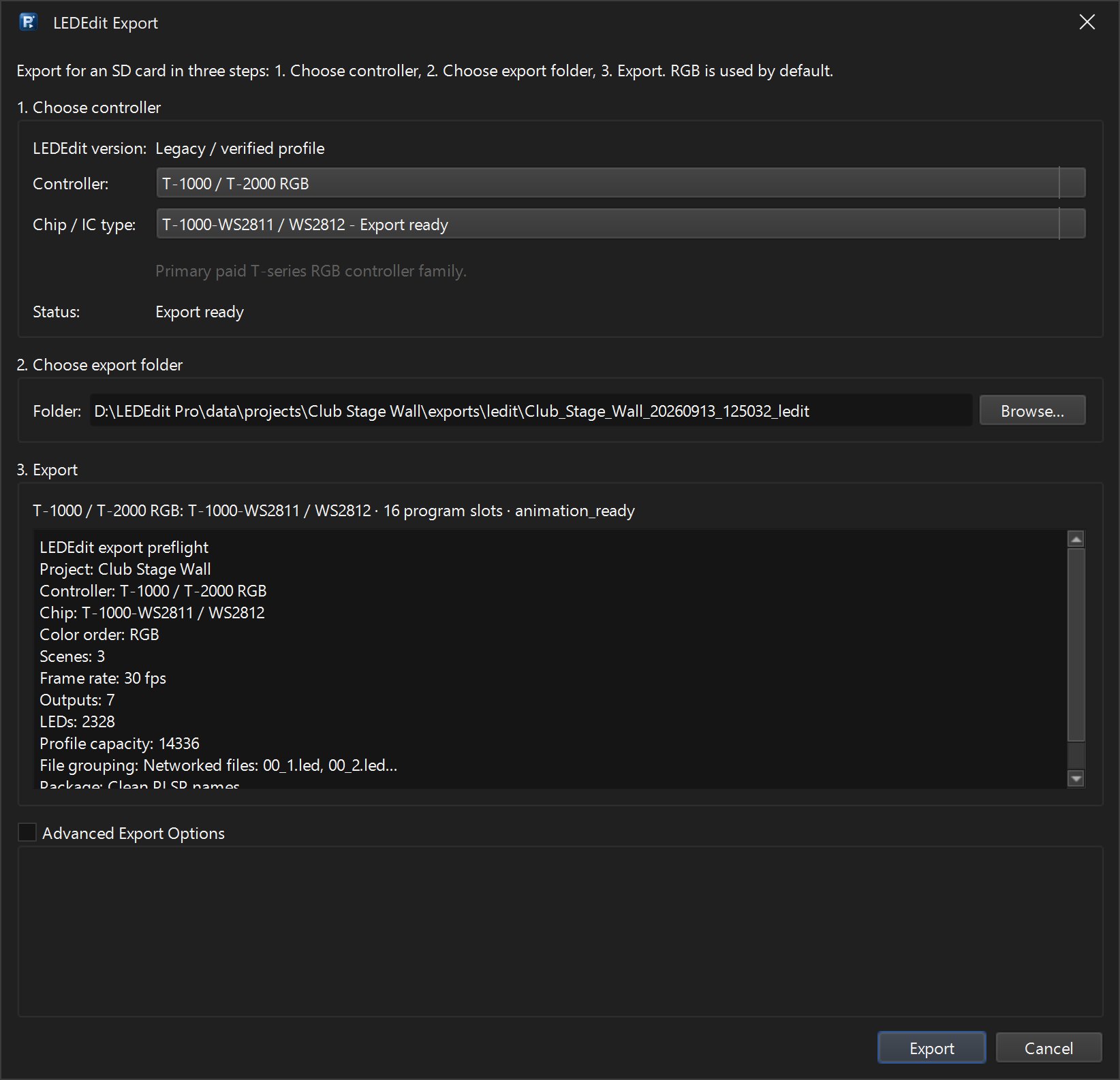
Instead of hunting for the free version that matches your controller, LEDEdit Pro 2026 covers 19 controller families and 334 chip types in one application — T-1000 / T-2000, K-1000 / K-1000C, K-8000 / T-8000, T-4000, the T1K–T8K-U series, T12K/T20K-U, T1K-512 DMX and more. The export dialog shows a preflight summary (scenes, frame rate, outputs, LED count) before anything is written. Full controller list →

6. SD-card tools in the Output menu
Output → LEDEdit Tools bundles jobs that otherwise need separate utilities: Write to SD Card, Time Schedule (.tst files), Q12 / Special Controller Settings, Inspect .led File and Build Firmware Upgrade (up.lw). Export DMX Address Config writes DmxSet.led address files.

7. Everyday comfort
Auto-save, undo/redo, dark and light themes, an interface in English, German, French, Spanish, Chinese, Dutch and Portuguese, update checks from the Help menu, and a support bundle you can send when something goes wrong.
8. Video export for other tools
Besides .led, LEDEdit Pro renders your show to MP4 (H.264/H.265), AVI (RAW or HuffYUV), MKV (FFV1), MOV (ProRes 4444) or XDAT — handy for previews, clients, or other LED software.
Side by side
| Free LEDEdit | LEDEdit Pro 2026 | |
|---|---|---|
| Price | Free | €99 one-time, lifetime license |
| Output | .led SD-card files | .led SD-card files + MP4, AVI, MKV, MOV, XDAT |
| Effects | Effect files, often SWF (Flash) | 151 built-in effects with parameters, 149 palettes |
| LED layout | DXF layouts | LED Layout Creator + DXF import/export |
| Controllers | Pick the version that matches your controller | 19 controller families, 334 chip types |
| Platform | Windows | 64-bit Windows |
When free LEDEdit is still the right choice
- You play one simple effect and the controller already works with a free version.
- You rely on a large SWF effect library — LEDEdit Pro does not import SWF files (it does import video).
- Your controller is an unusual variant that only a specific old LEDEdit build handles.
- You have no budget at all for a one-off job.
Using both together
You don’t have to choose once and for all:
- Import your LEDEdit DXF layouts into LEDEdit Pro and build the show there.
- If a controller refuses a file, export DXF + AVI from LEDEdit Pro and build the
.ledin the free version that works with it — step by step in the fallback guide.
Honest limitations
- Windows only (64-bit).
- Activation needs an internet connection and the email from your purchase.
- No SWF import — use video versions of effect packs or the built-in effects instead.
- It is paid software; the free versions remain free.
FAQ
Can I open my old LEDEdit projects in LEDEdit Pro? You can import the DXF layout. The show itself is rebuilt in LEDEdit Pro with layers, clips and effects — usually faster than it sounds, thanks to Auto Animate and the built-in effects.
Does LEDEdit Pro 2026 work with my T-1000S? The T-1000 / T-2000 RGB family is the main supported family, along with T-1000 Type 47 and legacy/free T-1000 variants. See supported controllers.
Is it a subscription? No. One payment of €99 through Gumroad gives you a lifetime license with free updates.