LEDEdit Pro vs Pixel LED Animator: Which One Do You Need?
Both are paid Windows editors from the same studio, both cost a one-time fee, and buyers constantly ask which one to get. Short version: LEDEdit Pro authors complete controller shows; Pixel LED Animator generates individual effects. Many working installers own both.
Quick Comparison
| LEDEdit Pro 2026 | Pixel LED Animator 3 | |
|---|---|---|
| Price | €99 + VAT, once | €79 + VAT, once |
| Core job | Author full SD-card shows | Generate individual effects |
| Timeline | Multi-layer scenes | Keyframe animation |
| Effects | 151 built-in | 145 generators |
| Output | .led packages, 19 controller families | Video, XDAT, FSEQ, live streaming |
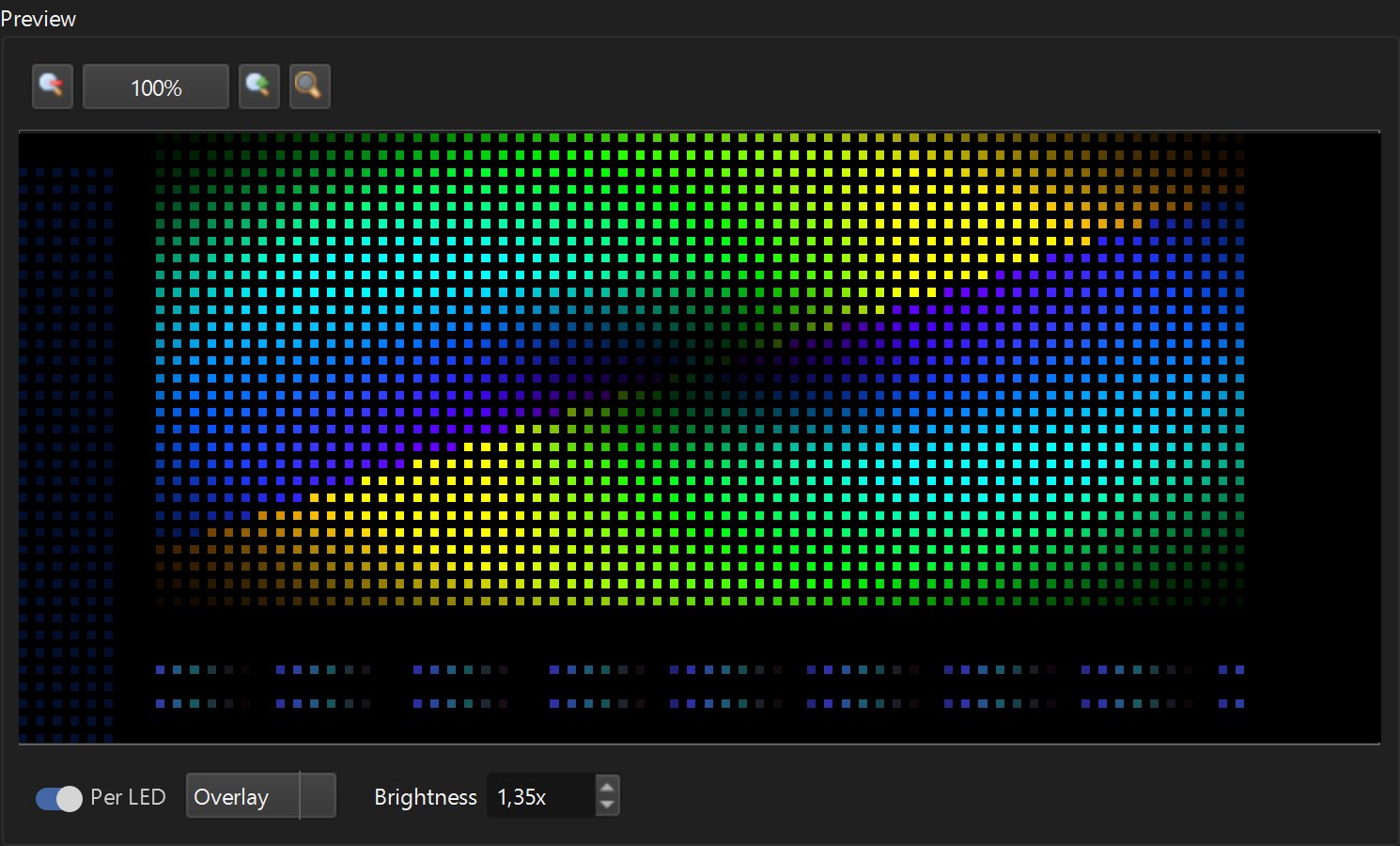
| Per-LED preview | Yes | Live canvas preview |
| Best for | Installers building shows | Creators making content |
Choose LEDEdit Pro If…
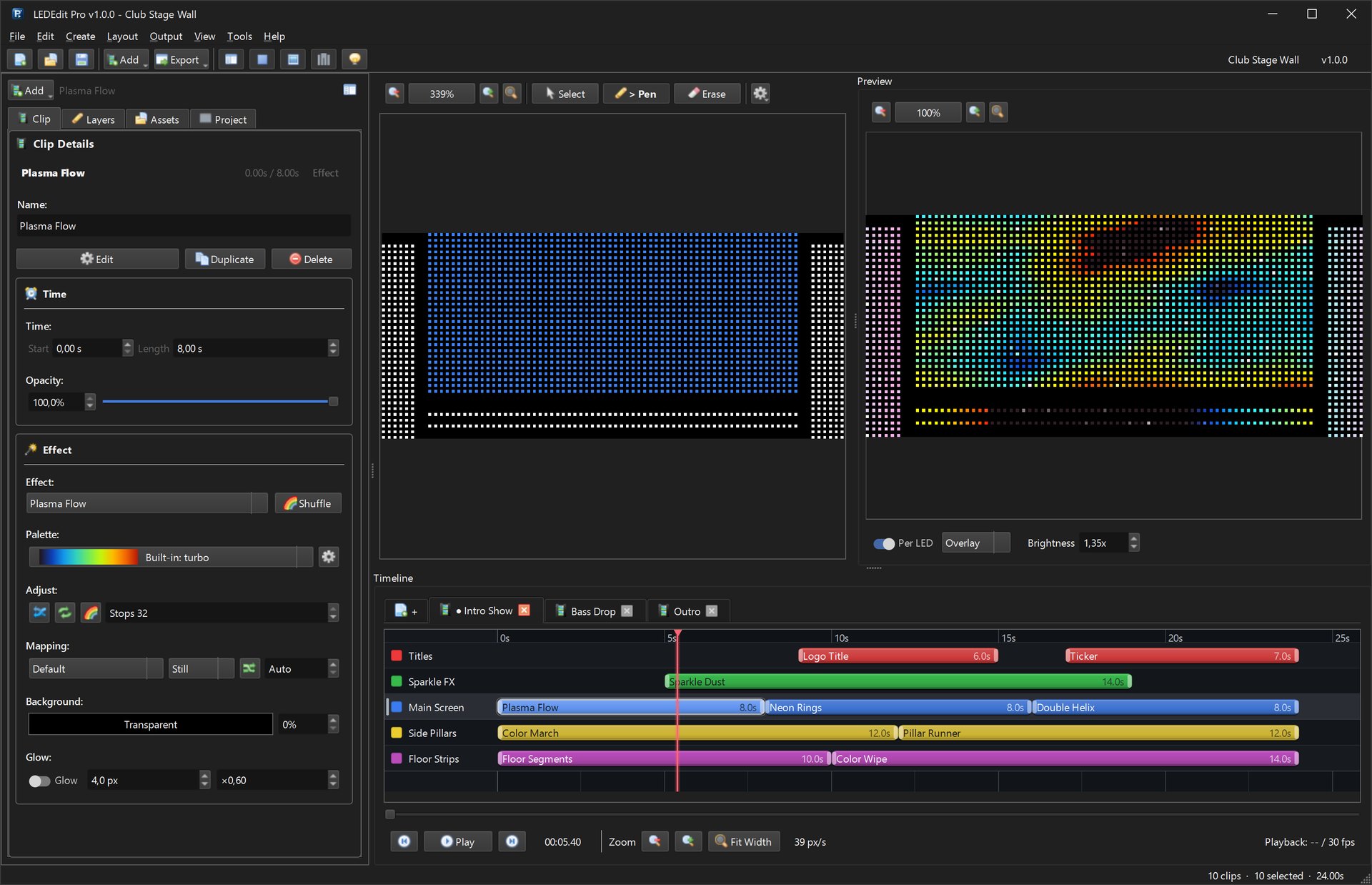
You program T-1000/K-1000 controllers for clients: multi-zone layouts, scrolling titles, scenes that change through the evening, shows you revise. The timeline, layout creator, and per-LED preview are built for exactly that work. Pricing · Review
Choose Pixel LED Animator If…
You need original animations: rain, fire, plasma, branded colors, typography clips — for LEDEdit, Resolume, MADRIX, xLights, or Jinx!. It generates content; it doesn’t author controller shows.
Own Both If…
This is the common professional setup: generate standout effects in Pixel LED Animator, then compose the full show — zones, titles, scenes — in LEDEdit Pro. The bundle costs less than a single evening of installer billing.
FAQ
Can LEDEdit Pro generate effects like Pixel LED Animator? It ships 151 built-in effects, but deep generative work with keyframes and VFX is Pixel LED Animator’s specialty.
Can Pixel LED Animator write .led controller files?
No — it exports video, XDAT, and FSEQ. Controller packaging is LEDEdit Pro’s job.
Which first on a tight budget? Count what you do most: full shows → LEDEdit Pro; individual animations → Pixel LED Animator. Free LEDEdit covers the basics either way (comparison with free).