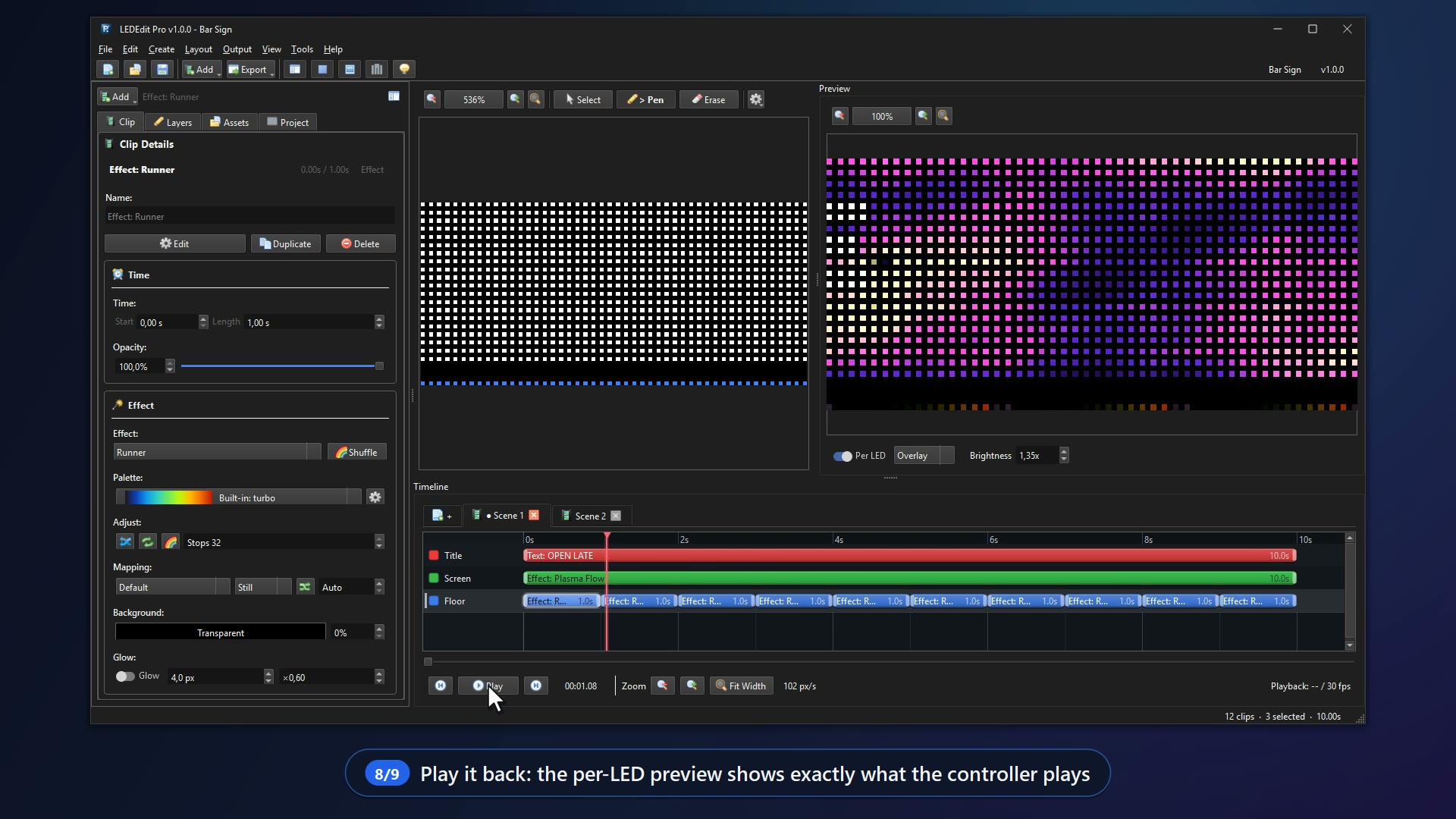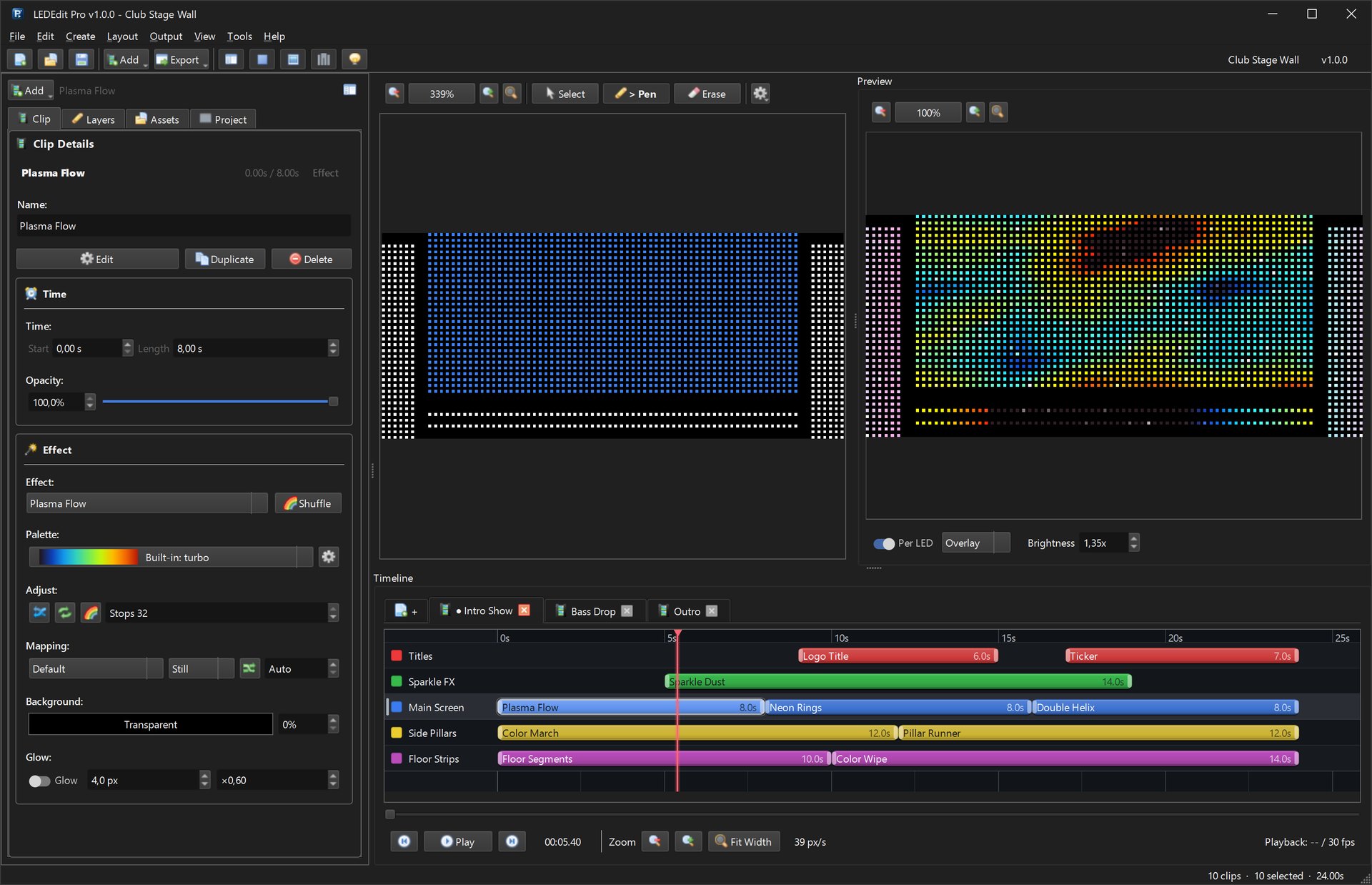
Undersized wire is just as bad as an undersized supply — voltage sags, whites turn pink, controllers reboot. This live calculator takes the copper resistivity of real wire and tells you the drop, how far you can run before you must inject again, and what fuse to fit. It is the companion to the WS2812B power calculator and the full power supply guide — both from the LEDEdit Pro team.
Recommended for new shows: LEDEdit Pro 2026
Injection done right deserves content done right. LEDEdit Pro 2026 maps your injectors per port in the LED Layout Creator, previews every LED and exports .led ready for the controllers below.
Interactive power-injection & wire-gauge calculator
Mechanism: inline vanilla JS with no CDN — same leaf-bundle pattern as the WS2812B calculator. Copper resistivity ρ = 1.68e-8 Ω·m and the exact formula Vdrop = 2 × I × R × L where R = ρ / A per metre for each AWG cross-section. Mirrors sites/pixel-led-effects-hugo/content/blog/ws2812b-power-calculator.md voltage-drop section but makes it interactive and adds injection-point and fuse logic.
Injection & wire-gauge calculator
Formulas: R/m = ρ / A with ρ = 1.68e-8 Ω·m, Vdrop = 2 × I × R/m × L (factor 2 = out + back), max L for 5% = (0.05 × V) / (2 × I × R/m), fuse ≈ I × 1.25 rounded up to 1/2/5/7.5/10/15/20/25/30 A. AWG areas: 14=2.08, 16=1.31, 18=0.823, 20=0.518, 22=0.326 mm².
How to use the numbers
- Get the current for that feed from the WS2812B calculator — e.g. 300 LEDs at 5 V full white = 18 A total. Split across zones before you size wire.
- Enter the one-way length from supply to the far LED on that feed, pick the AWG you plan to buy and set the system volts.
- Read the drop. Under 0.25 V (5% at 5 V) is the target. Over that, the far end will be noticeably dimmer and red-shifted.
- Follow the “inject every” value. Cut the +V rail between injection zones on very long runs (keep GND continuous) so supplies do not back-feed each other. The full rule table lives in choose a power supply for pixel LEDs.
AWG copper table used
| AWG | Area | R per metre (ρ/A) | Example: 5 m, 10 A → Vdrop |
|---|---|---|---|
| 14 | 2.08 mm² | 0.0081 Ω/m | 0.81 V |
| 16 | 1.31 mm² | 0.0128 Ω/m | 1.28 V |
| 18 | 0.823 mm² | 0.0204 Ω/m | 2.04 V |
| 20 | 0.518 mm² | 0.0324 Ω/m | 3.24 V |
| 22 | 0.326 mm² | 0.0515 Ω/m | 5.15 V (unusable) |
Round-trip: wire goes out and back, hence factor 2 in Vdrop = 2 × I × R × L.
Worked example
5 m feed at 10 A on AWG 18 at 5 V:
R/m   = 1.68e-8 / 0.823e-6 = 0.0204 Ω/m
Rtotal= 0.0204 × 5 × 2 = 0.204 Ω
Vdrop = 10 × 0.204 = 2.04 V  (40.8% — fails)
max L for 5% = 0.25 / (2 × 10 × 0.0204) = 0.61 m → inject ~every 0.6 m
fuse  = 10 × 1.25 = 12.5 A → next standard 15 A
Fix: use AWG 14, split the 10 A into two 5 A feeds, or — most common — inject every ~1 m with AWG 14/16 and keep the supply close to the strip.
Wiring and controller notes
- Star ground: tie all supply GNDs and the controller GND together at one point. Never parallel two SMPS +V outputs. See T-1000S tutorial, K-1000C tutorial and the multi-port K-8000 / T-8000 guide for how many LEDs per output each family allows.
- Wire size: <3 m at <5 A can use 0.75 mm²; above that use 1.5–2.5 mm² per the cheat sheet in /blog/choose-power-supply-pixel-led/. For injection feeds over 10 m, split into zones.
- Fusing: automotive blade fuse on each +V injection leg, sized as the calculator suggests; never fuse GND.
- Mapping injectors to ports: in LEDEdit Pro 2026 set Max LEDs/port so no run exceeds the controller limit, then push the layout — per-port injectors stay aligned with data order.
Related guides
- WS2812B power calculator — amps, watts & supply size — companion calculator for total current
- Choose a power supply for pixel LEDs — the full sizing, SMPS, voltage and multi-supply reference
- T-1000S controller tutorial — single-output wiring and SD-card export
- T-1000S controller page · K-1000C · K-8000 / T-8000 — per-output limits and chip lists
- LEDEdit Pro 2026 — LED Video Editor for T1000S & SD-Card Controllers and free downloads
From wiring to preview — LEDEdit Pro 2026
The LEDEdit Pro team built LEDEdit Pro 2026 so your wiring plan and your show stay in sync — Layout Creator with port limits, live per-LED preview and direct .led export for 19 families. No extra converters.