
Fix LEDEdit Class Not Registered Error on Windows 10/11 – Step-by-Step
Fix LEDEdit Class Not Registered error fast. Register COMDLG32.OCX, use the repair folder, run as admin and set compatibility. Get LEDEdit working today!
Read More
Fix LEDEdit Class Not Registered error fast. Register COMDLG32.OCX, use the repair folder, run as admin and set compatibility. Get LEDEdit working today!
Read More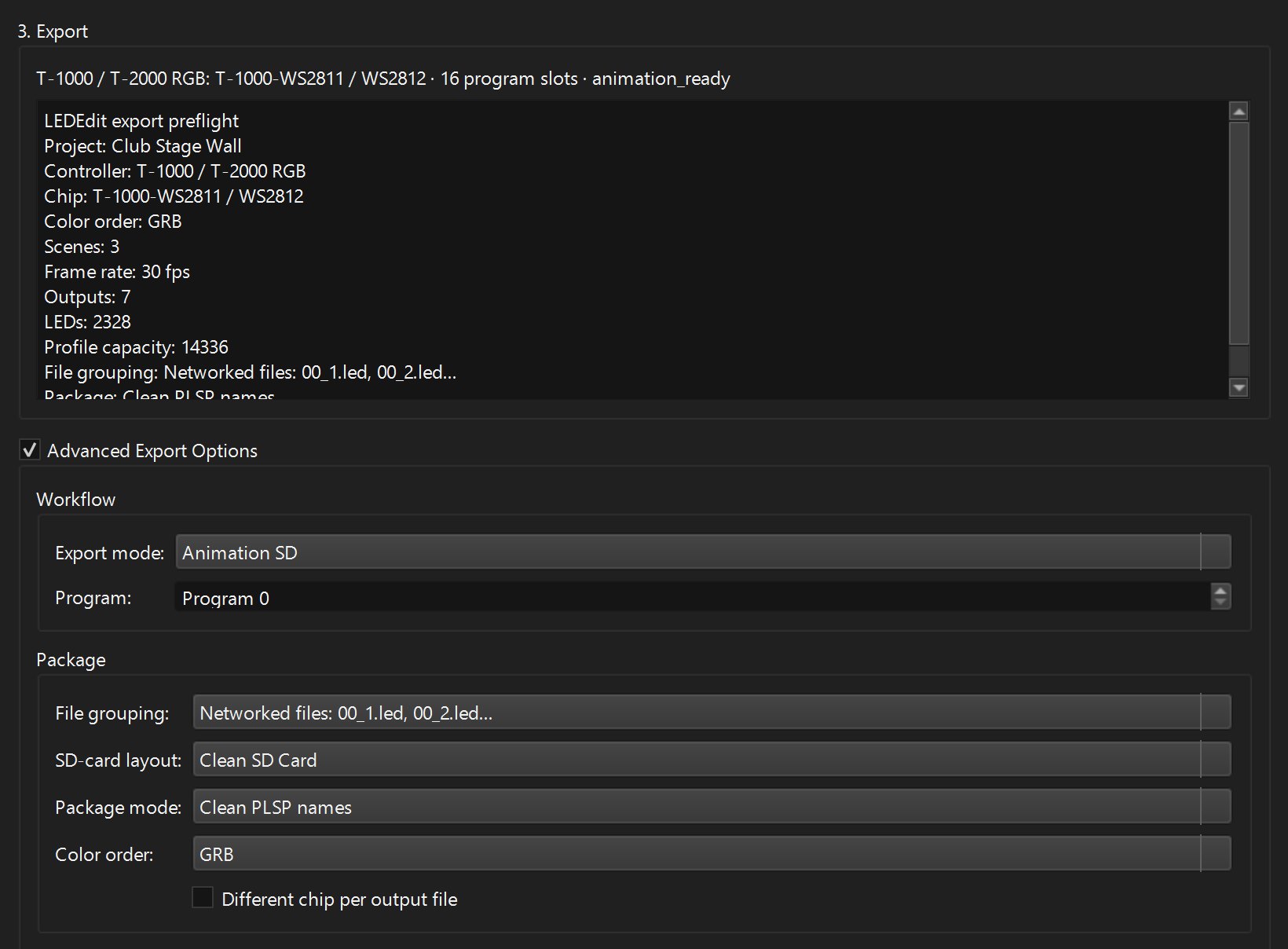
Red shows as green or blue on your WS2811 / WS2812 pixels? Set the colour order (RGB, GRB, BGR…) in the LEDEdit Pro 2026 export dialog. A table tells you which order to pick from what you see.
Read More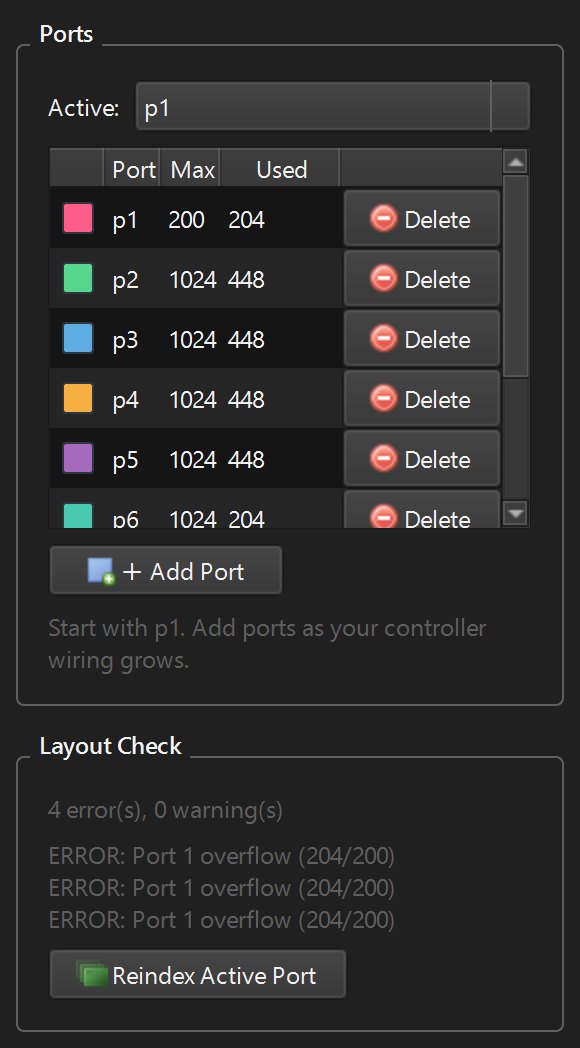
The end of your pixel run stays dark? Compare the Used count with your strip, check the port limit and Layout Check in LEDEdit Pro 2026, fix wiring gaps and split long runs across outputs.
Read More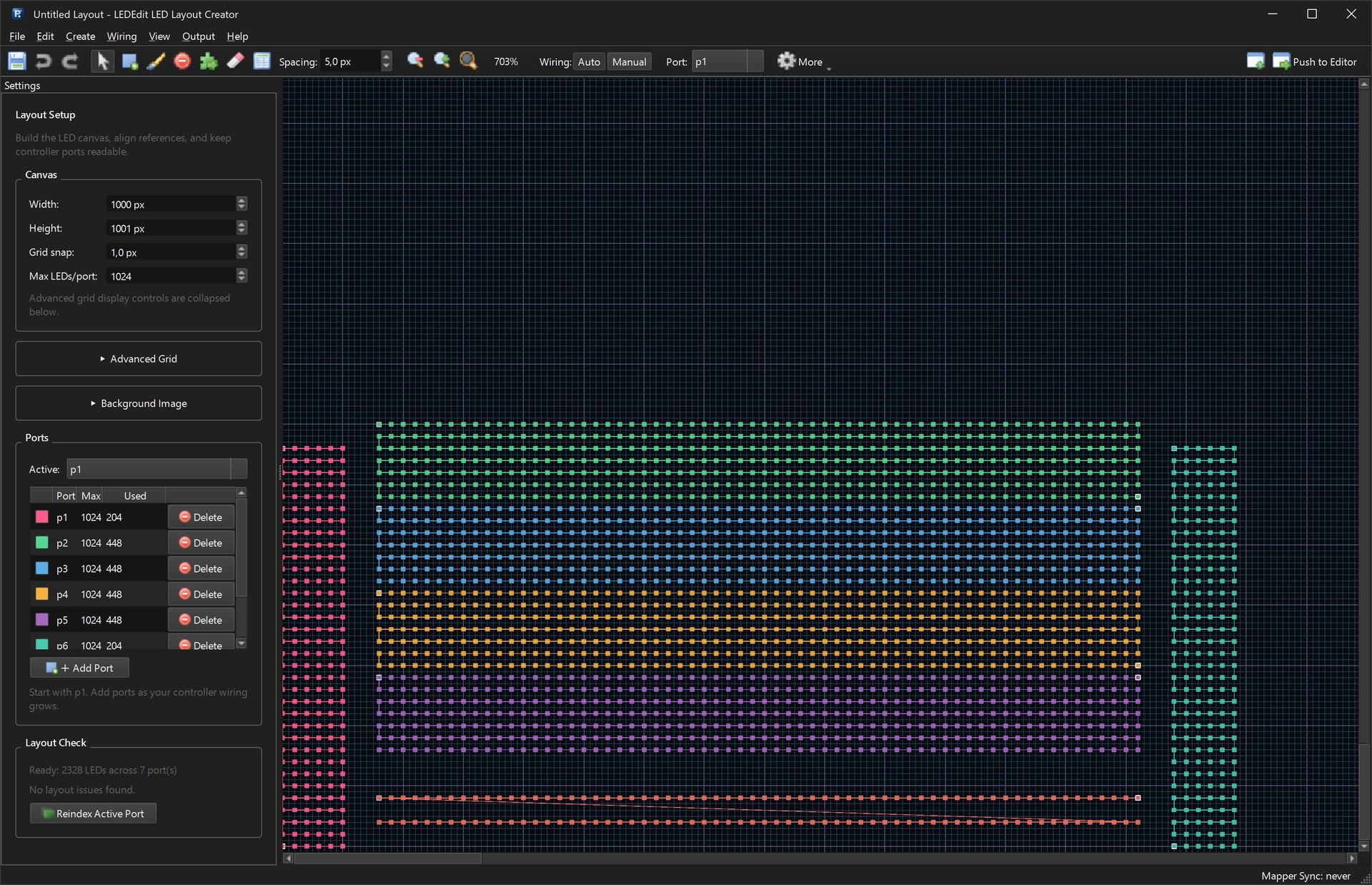
Bring an existing LEDEdit DXF layout into LEDEdit Pro 2026: two import paths, how LEDs, wires and ports are read, the LEDs-minus-ports check, and how to fix missing wires with Auto Number / Ports.
Read More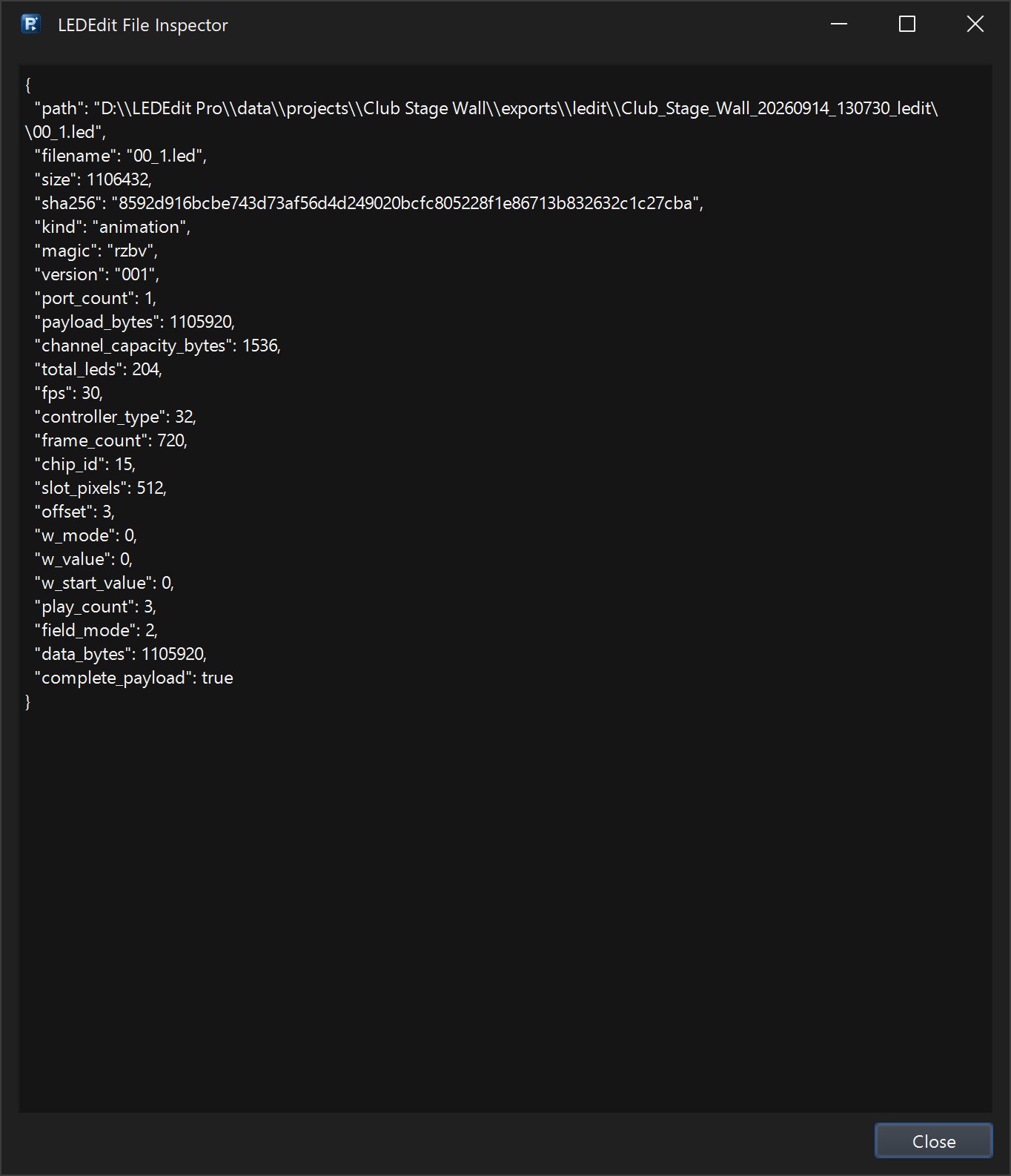
T-1000S or another SD-card controller stays dark or rejects the card? Check the export preflight, file grouping, Write to SD Card and Inspect .led File in LEDEdit Pro 2026, then use the DXF + AVI …
Read More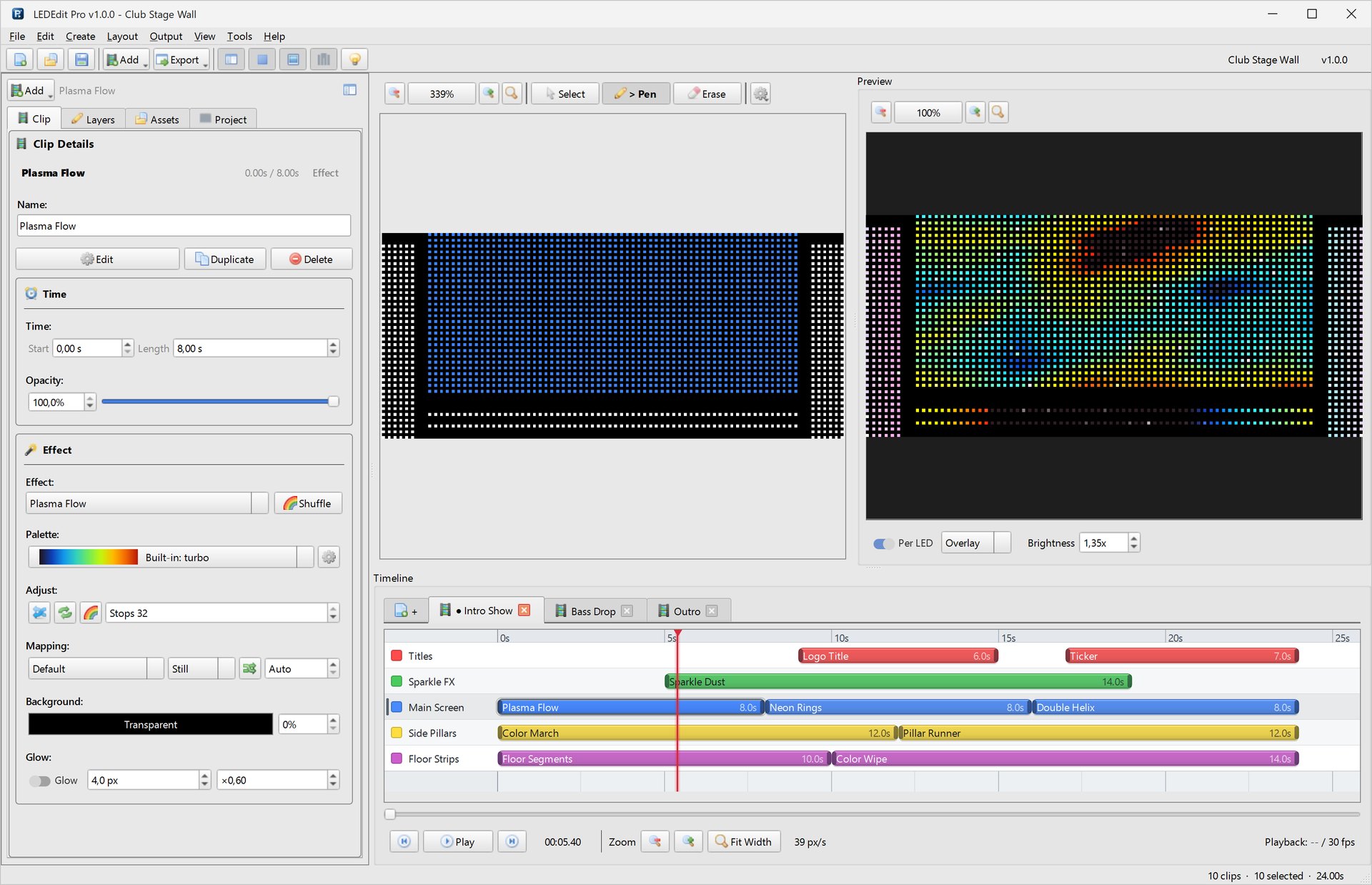
Install LEDEdit Pro 2026 on Windows and activate it with your Gumroad license key and purchase email. Includes system requirements, first-start settings, updates and fixes for every activation error …
Read More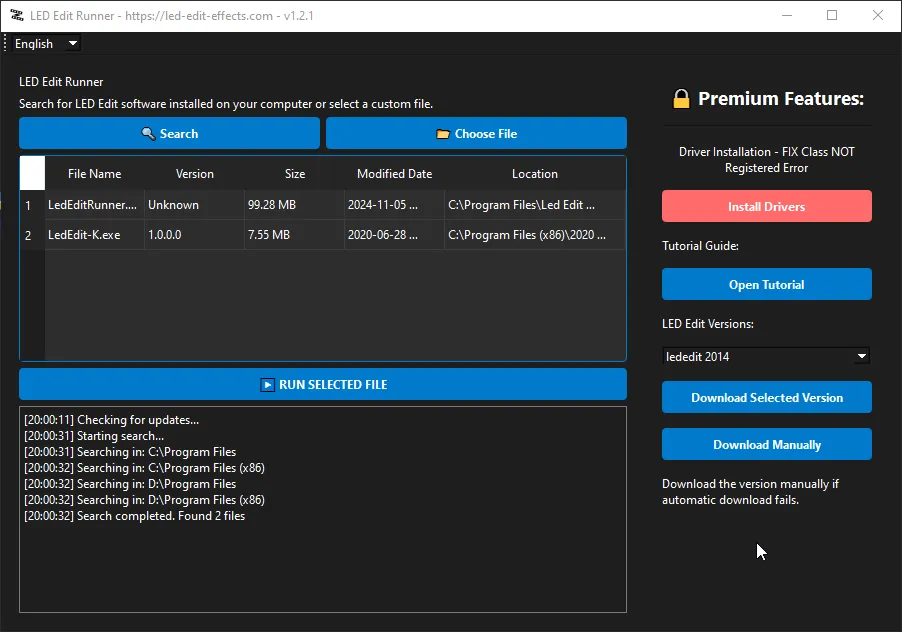
Fix LED Edit software errors including 'Class Not Registered' and software expired issues. Download LED Edit Runner to resolve common problems.
Read More