
Learn LEDEdit Pro 2026 in order: start with the 90-second video, map your LEDs, build the show, export it for your controller — and fix it fast when the pixels disagree. Every screenshot comes from the real app. New here? Take the feature tour.
- 1. Start here
- 2. Map your LEDs
- 3. Timeline & effects
- 4. Controllers
- 5. Project tutorials
- 6. Troubleshooting
1Start here
Watch a real project, install the app and build your first show.
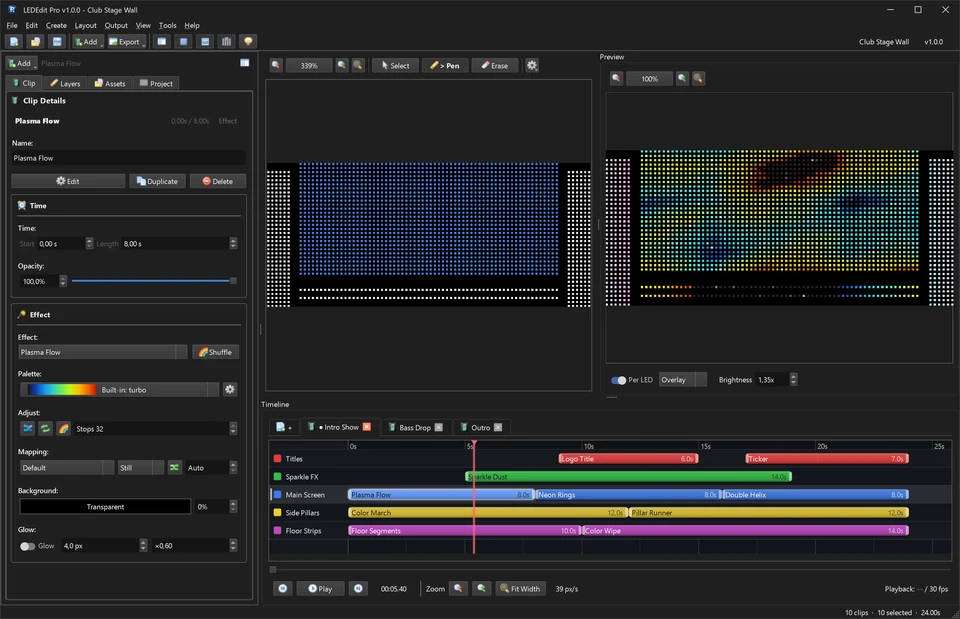
LEDEdit Pro 2026 in 90 seconds (video tutorial)
A real project from layout to .led export, with chapters and a full transcript.
Tutorial: your first LED show
Layout, layers, effects, scenes and SD-card export, step by step.
Install & activate LEDEdit Pro 2026
License key, purchase email and common activation errors.
LEDEdit Pro 2026 vs free LEDEdit
What changes, and who should upgrade.
2Map your LEDs
Ports, serpentine wiring and controller limits in the LED Layout Creator.
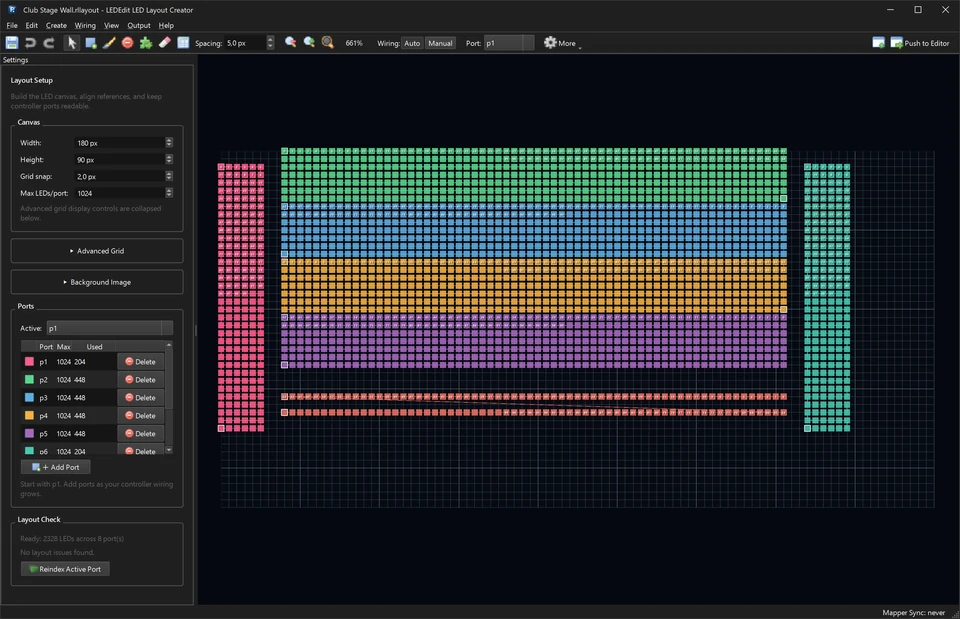
LED pixel mapping with the LED Layout Creator
Pattern Builder, ports, wiring modes, Layout Check and Push to Editor.
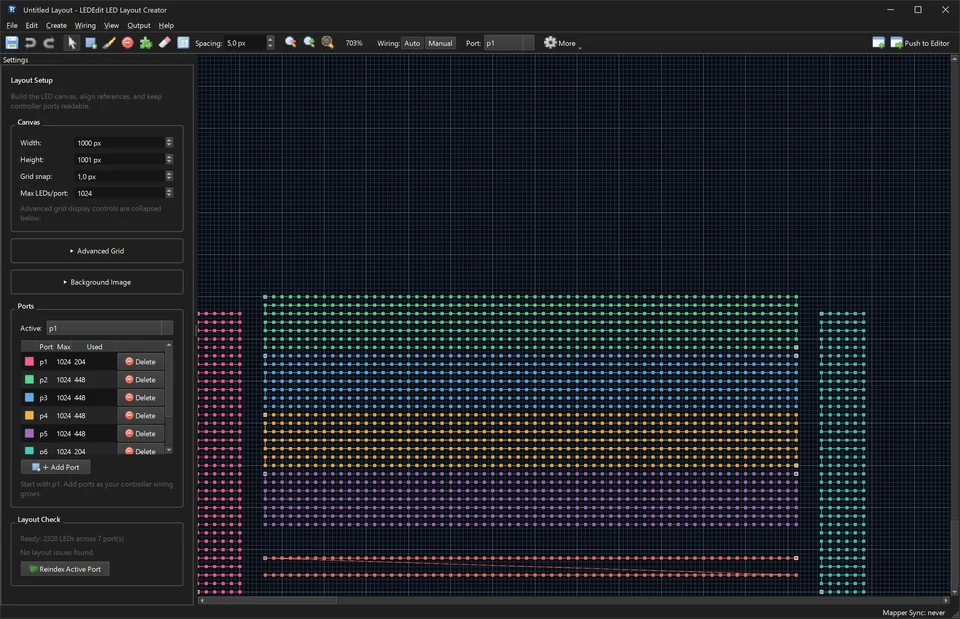
Import a LEDEdit DXF layout
How LEDs, wires and ports are read — and the quick check after import.
3Timeline & effects
Layers, scenes, effects, palettes and text.
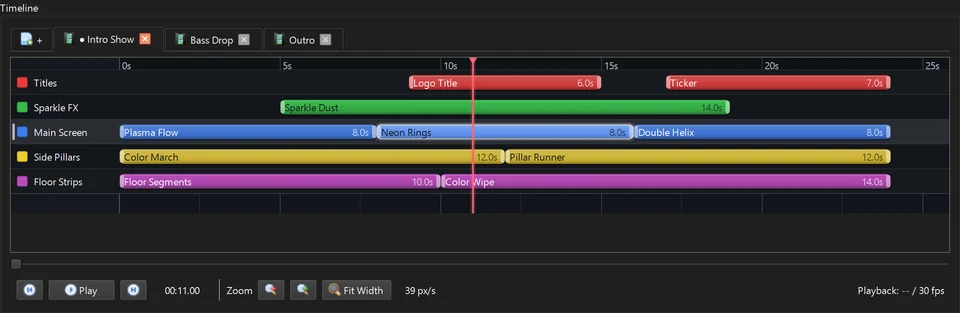
Multi-scene LED shows
Layers with masks, scenes, Auto Animate and time schedules.
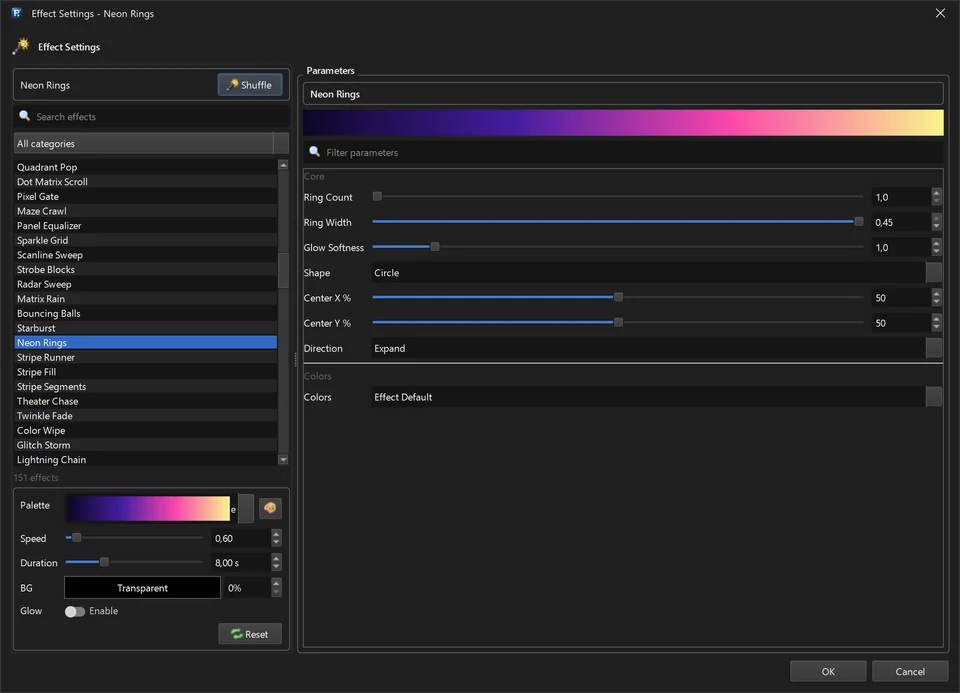
151 LED effects & 149 palettes
Effect categories, the palette editor and the Video Generator.
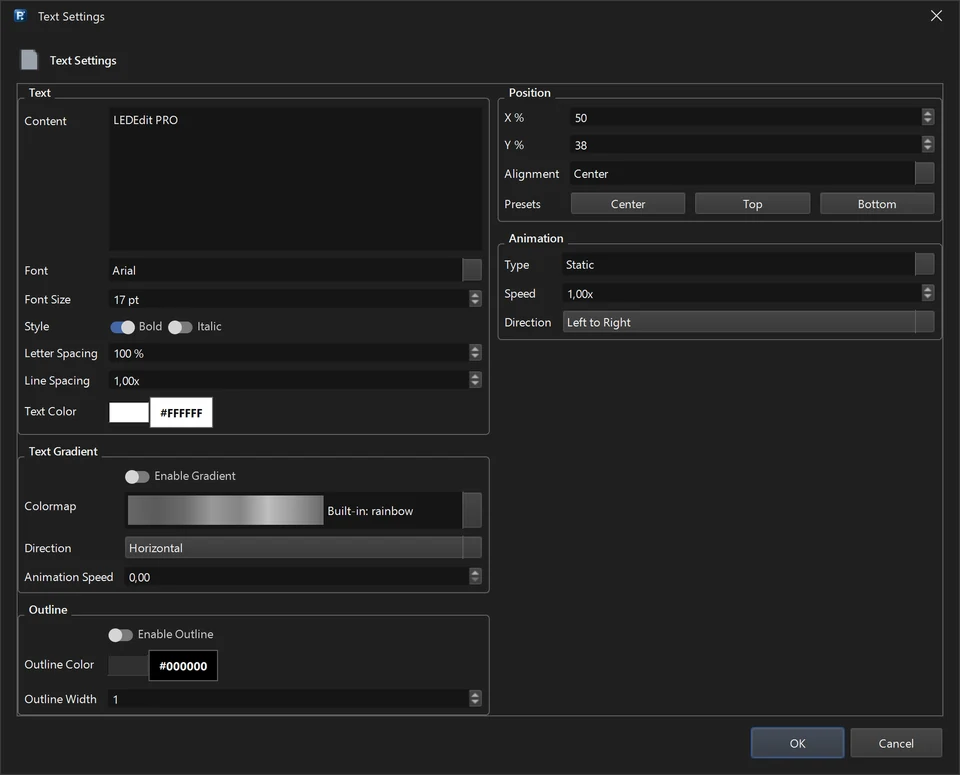
Scrolling text & logos on LED pixels
Tickers, outlines and image clips that stay readable on low resolutions.
4Controllers
Pick the right family and chip, and respect the limits per output.
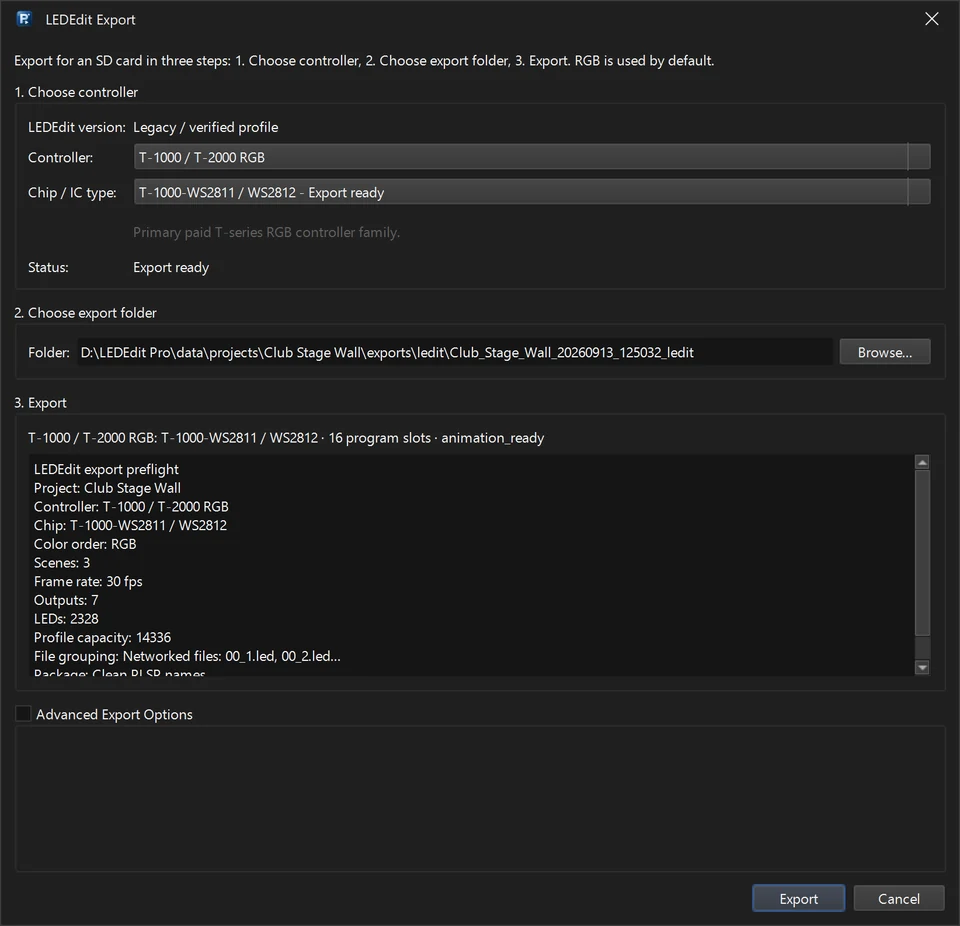
LED controller pages
Specs, chip lists and export steps for T-1000S, K-1000C, T-4000, K-8000 / T-8000 and more.
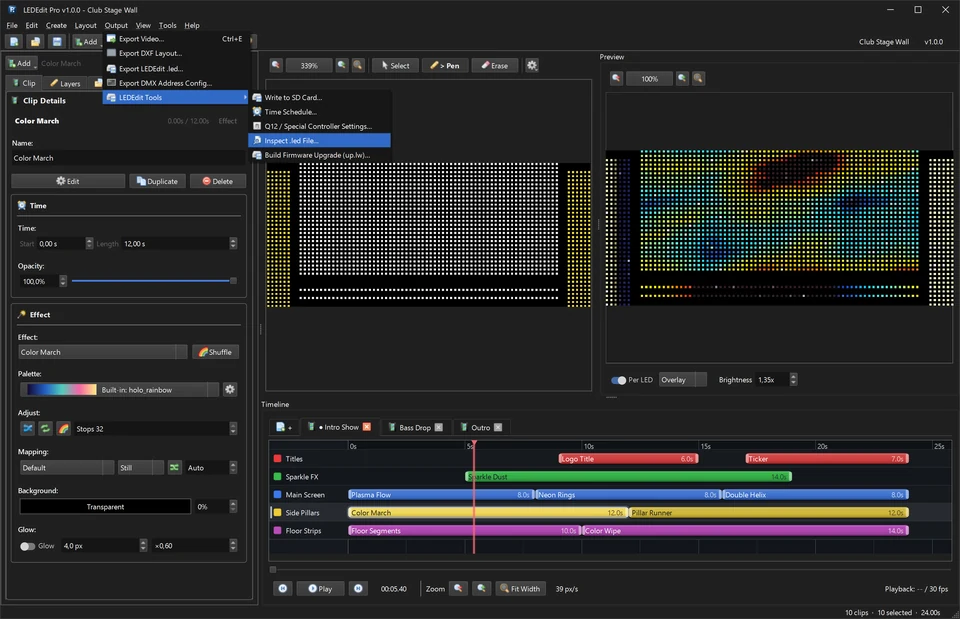
All supported controllers & chips
19 controller families and 334 chip profiles at a glance.
5Project tutorials
Complete real projects, built and screenshotted in LEDEdit Pro 2026.
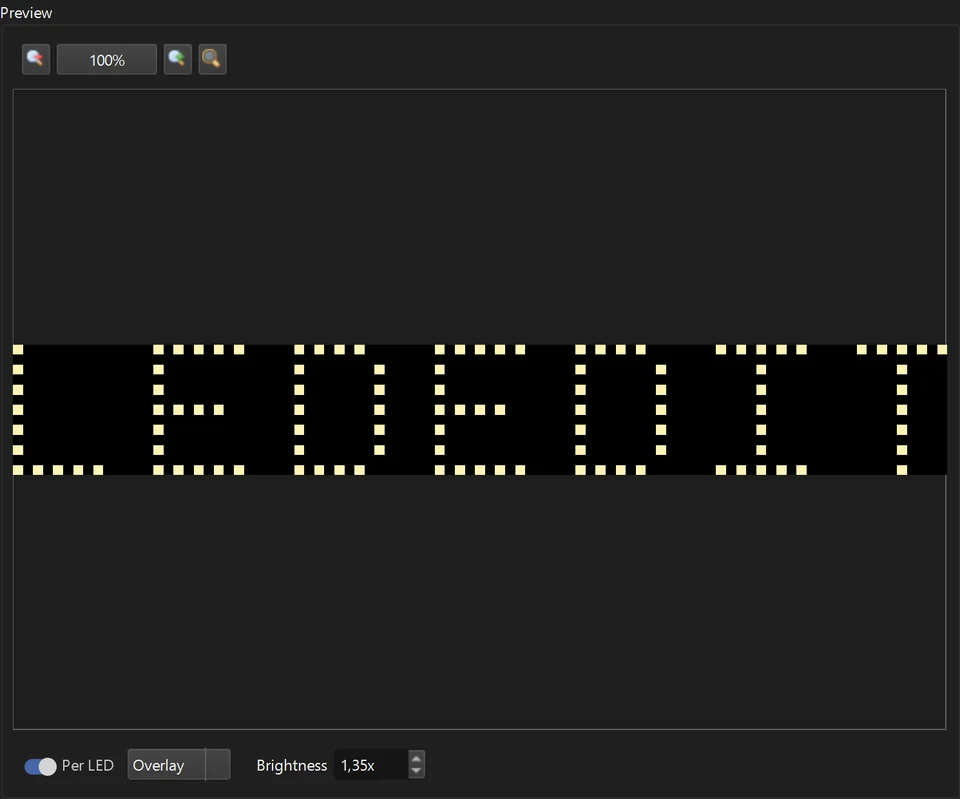
Animated LEDEDIT sign with per-letter effects
Map seven real LED letters, reveal the word, then sweep one bright letter to the right and back with Auto Animate.
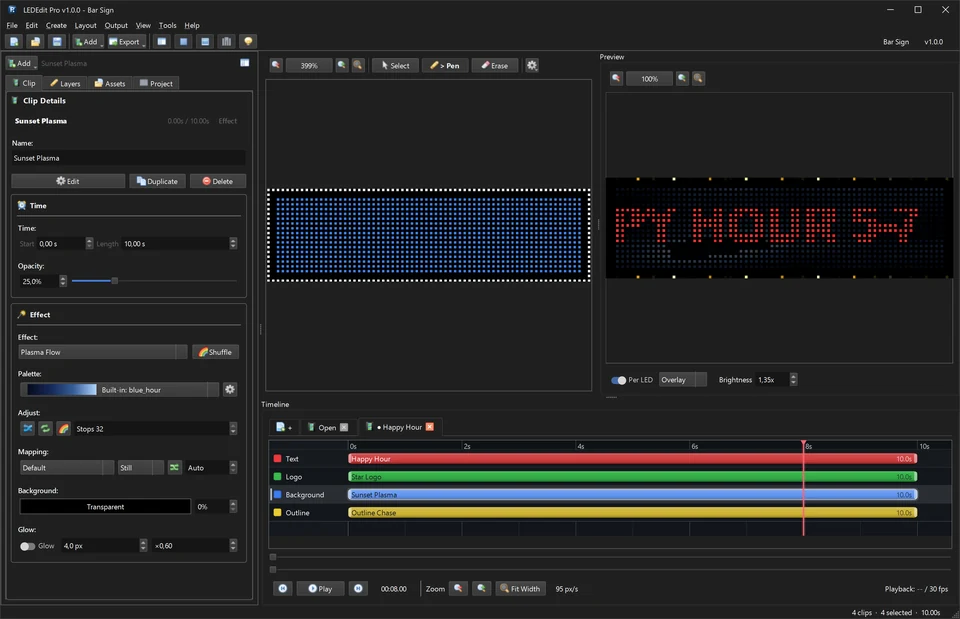
Scrolling LED shop sign with a T-1000S
64 × 16 serpentine matrix, outline strip, ticker, logo and two scenes on one output.
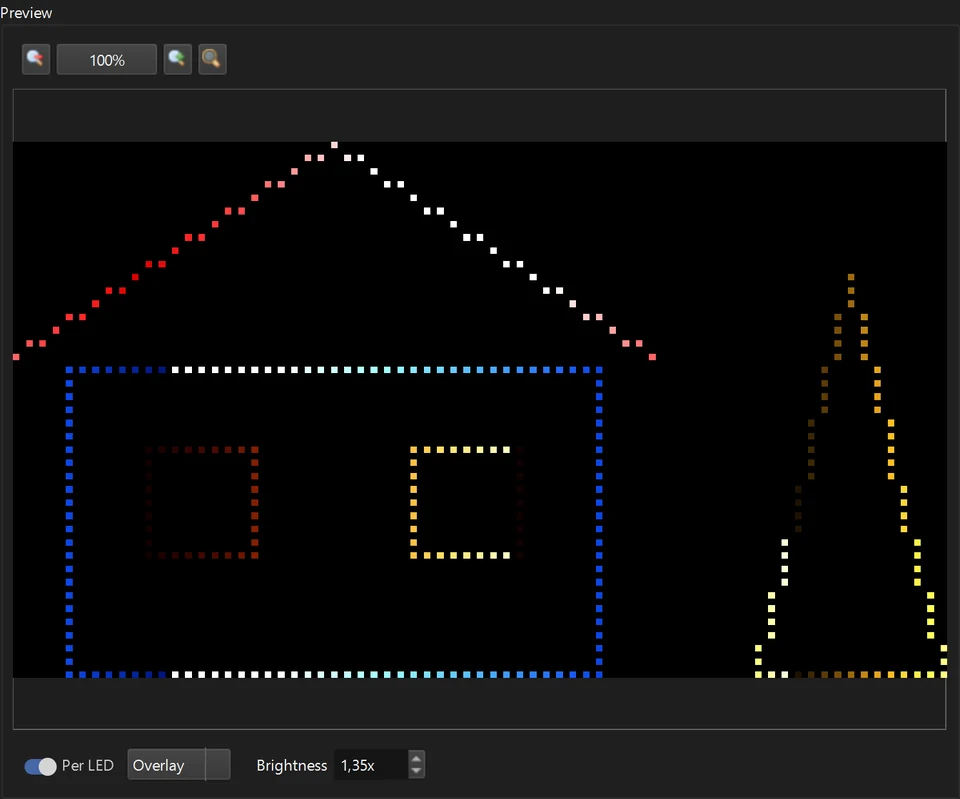
Pixel Christmas lights on an SD-card controller
House outline, windows and tree on four T-4000 outputs, with a time schedule.
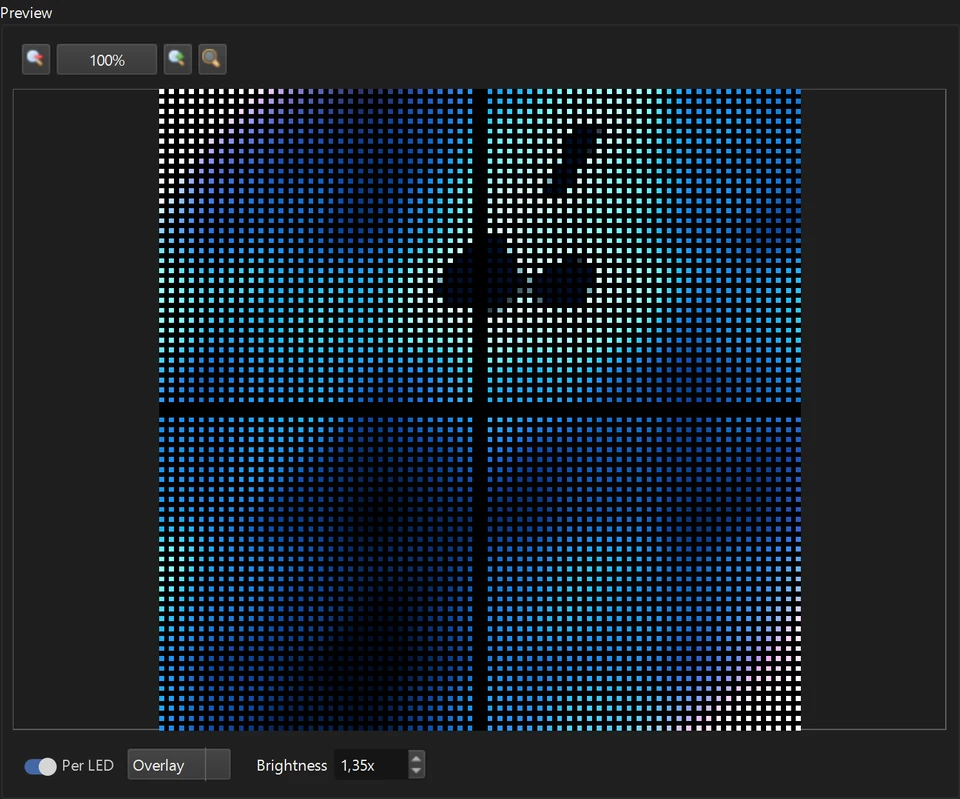
32 × 32 LED matrix panels on a K-8000 / T-8000
Four serpentine panels as one 64 × 64 wall with blended layers.
6Troubleshooting
When the pixels do not do what the preview shows.
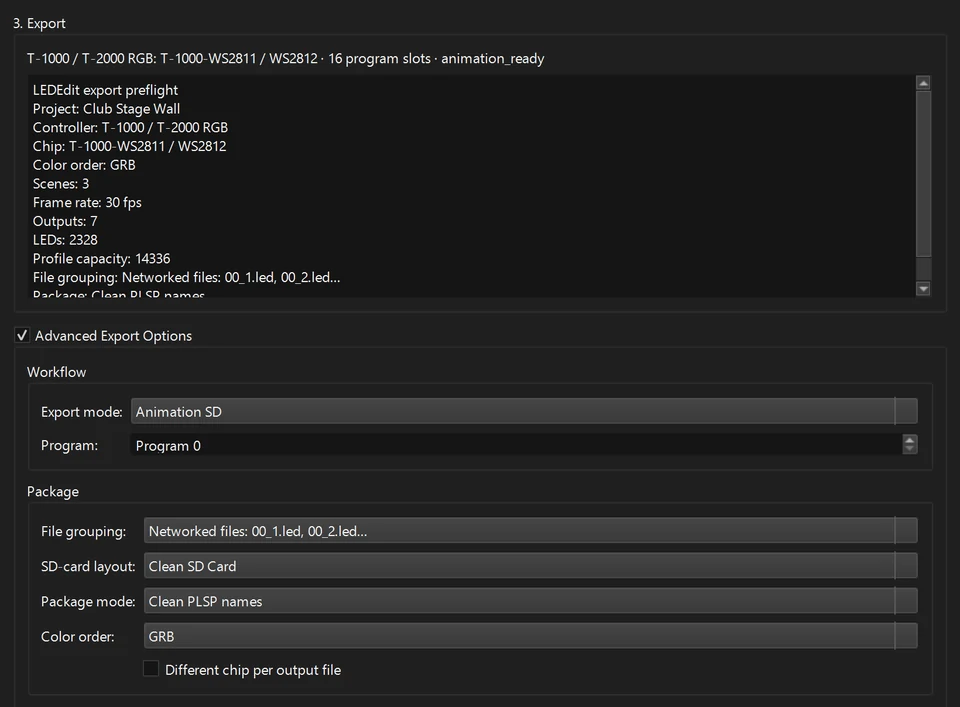
Wrong colours on WS2811 / WS2812? Fix the colour order
A table tells you which colour order to choose from what you see.
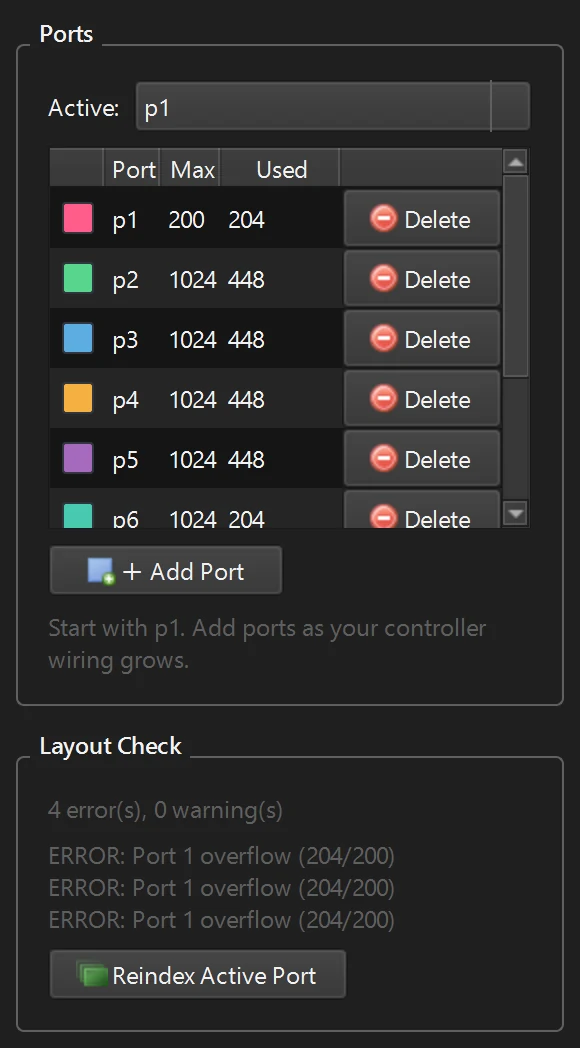
Last LEDs stay dark? Port limits and wiring gaps
Used vs Max, Layout Check, Fix Wiring Gaps and splitting long runs.
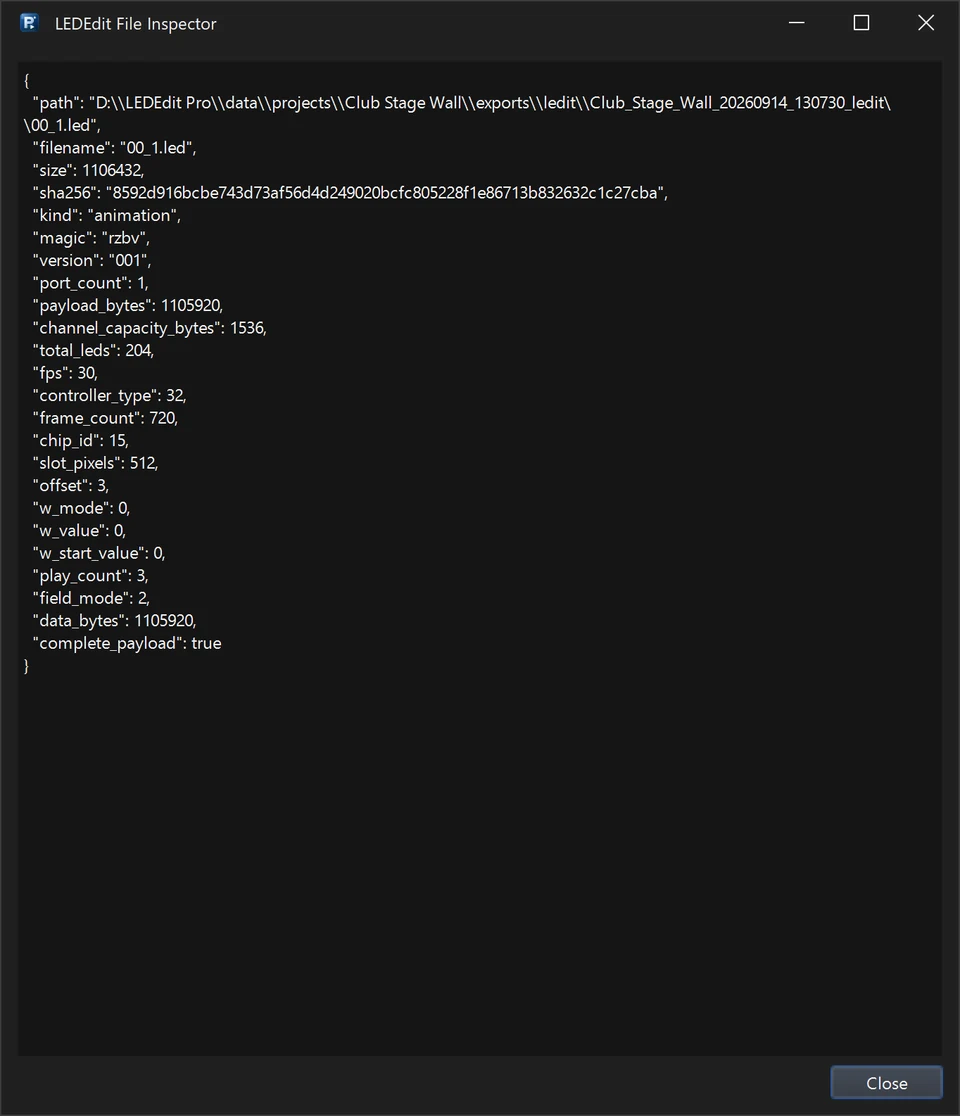
SD-card controller does not play the .led file
Preflight, file names, Write to SD Card and Inspect .led File.
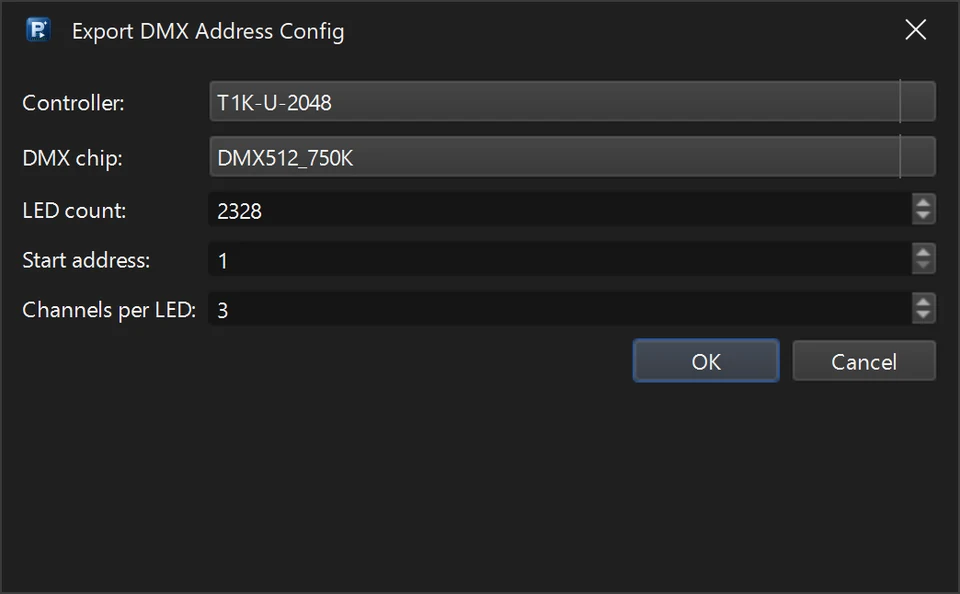
.led file not working? DXF + AVI fallback
Let the free LEDEdit that already works with your controller write the file.
More LED software tutorials
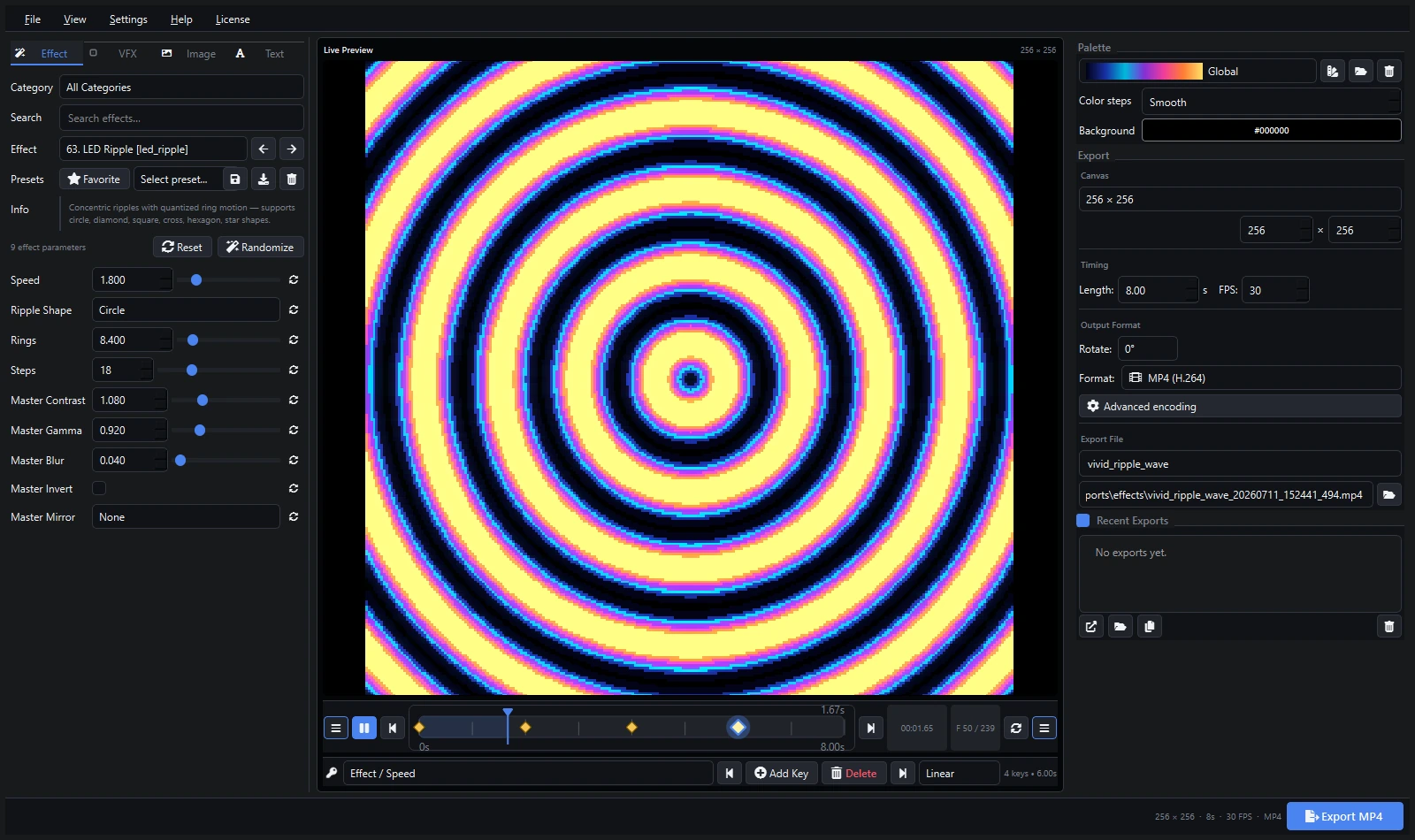
Create Stunning Effects with Pixel LED Animator 3
Master creating pixel LED effects — SWF, AVI, MP4 export for LedEdit, Jinx!, Madrix. Explore Pixel LED Animator 3 →
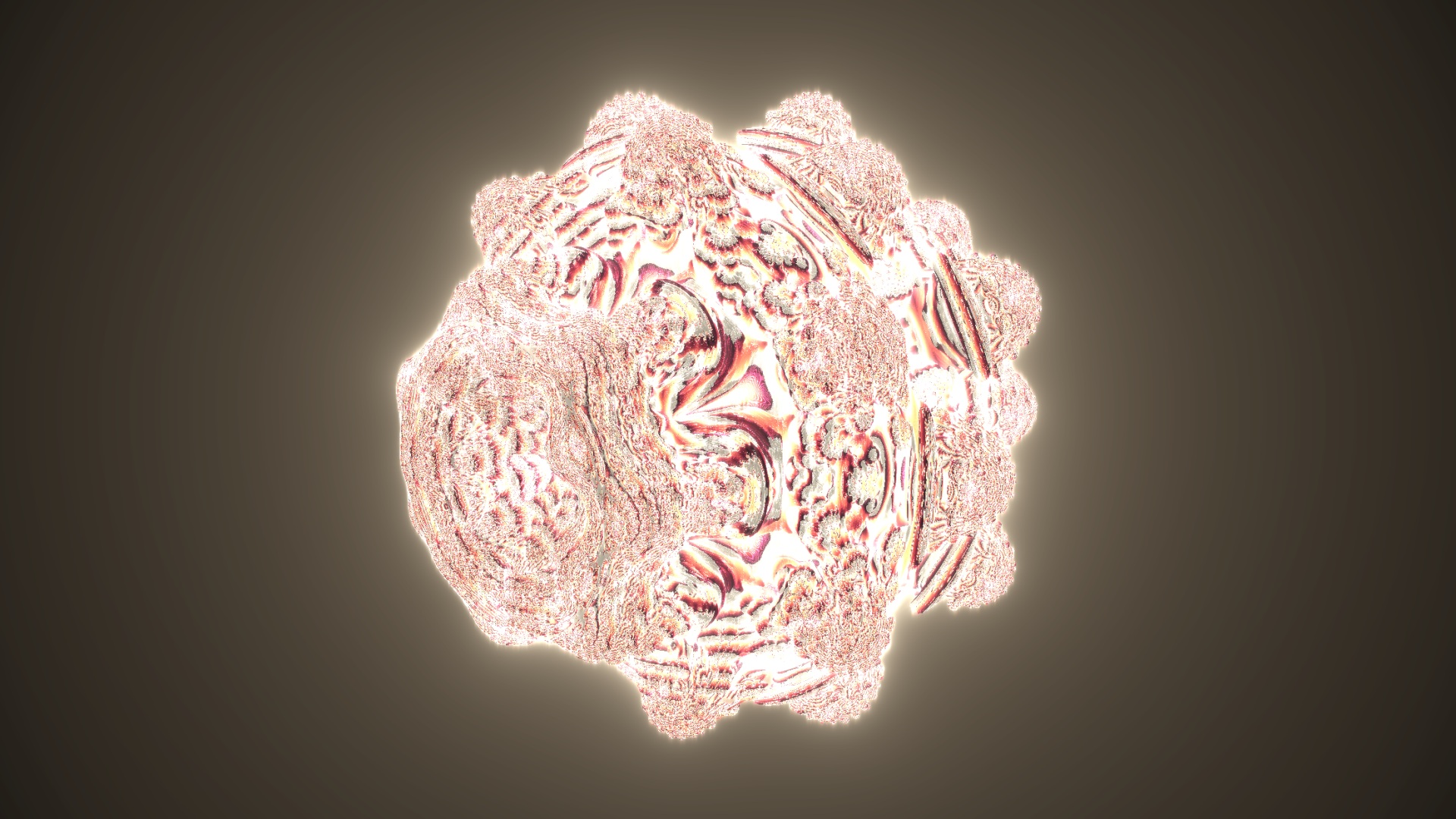
Create 3D LED Visual Effects with VJ Loop Studio
Build stunning 3D LED visuals with neon effects, custom models and 4K export. Explore VJ Loop Studio →
Create Custom Pixel LED Effects with Pixel LED Animator 3
Step-by-step: design and export custom pixel LED effects for LedEdit, Jinx!, Madrix. Covers SWF, AVI, MOV, MP4 export.
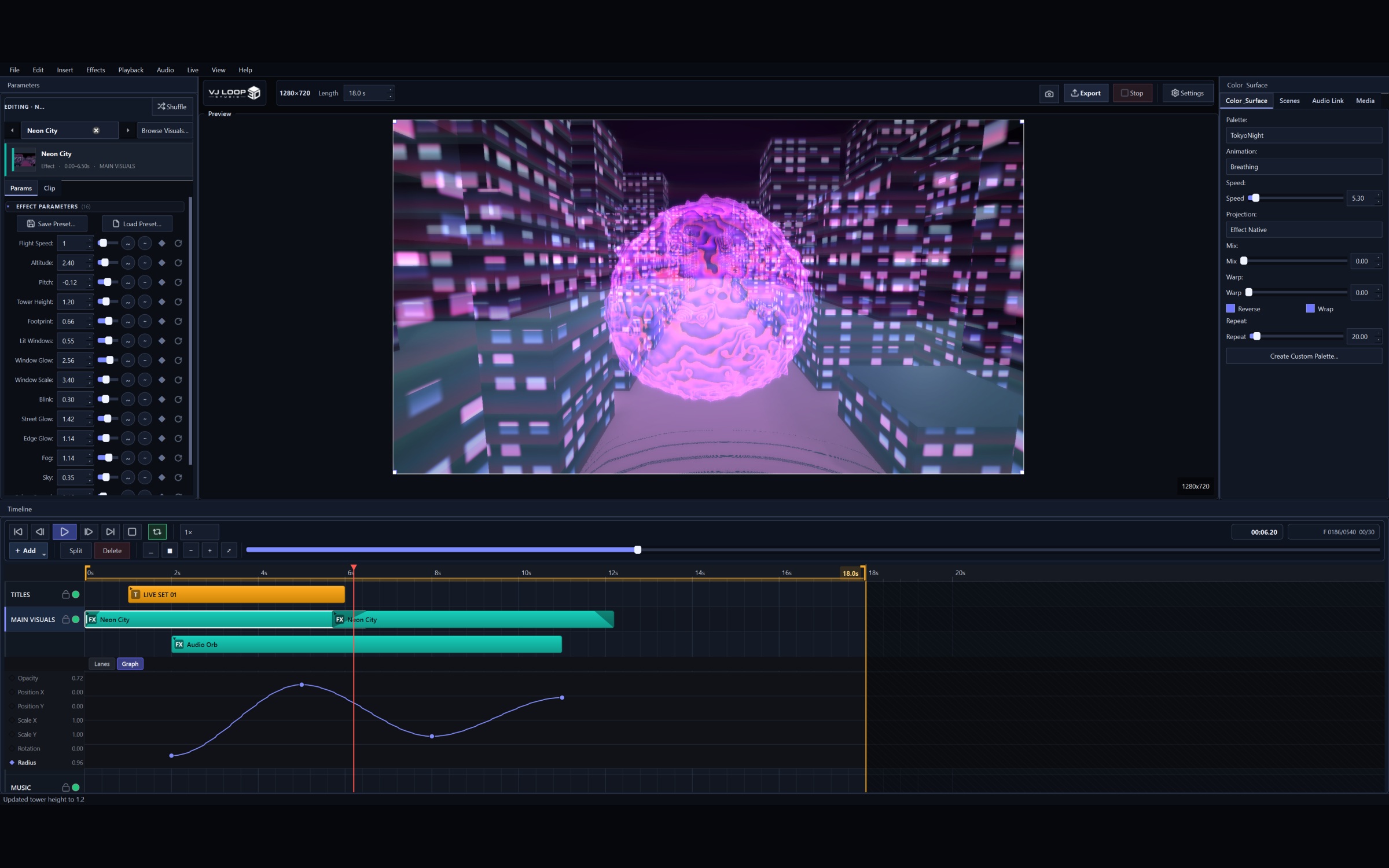
VJ Loop Studio for Beginners: First LED Visual
Get started with VJ Loop Studio — choose effects, customize colors, preview in real-time, and export for your LED software.
How to Use AVI Video Files with Jinx!
Complete guide to downloading, installing codecs, and using AVI pixel LED effects with Jinx! LED software.
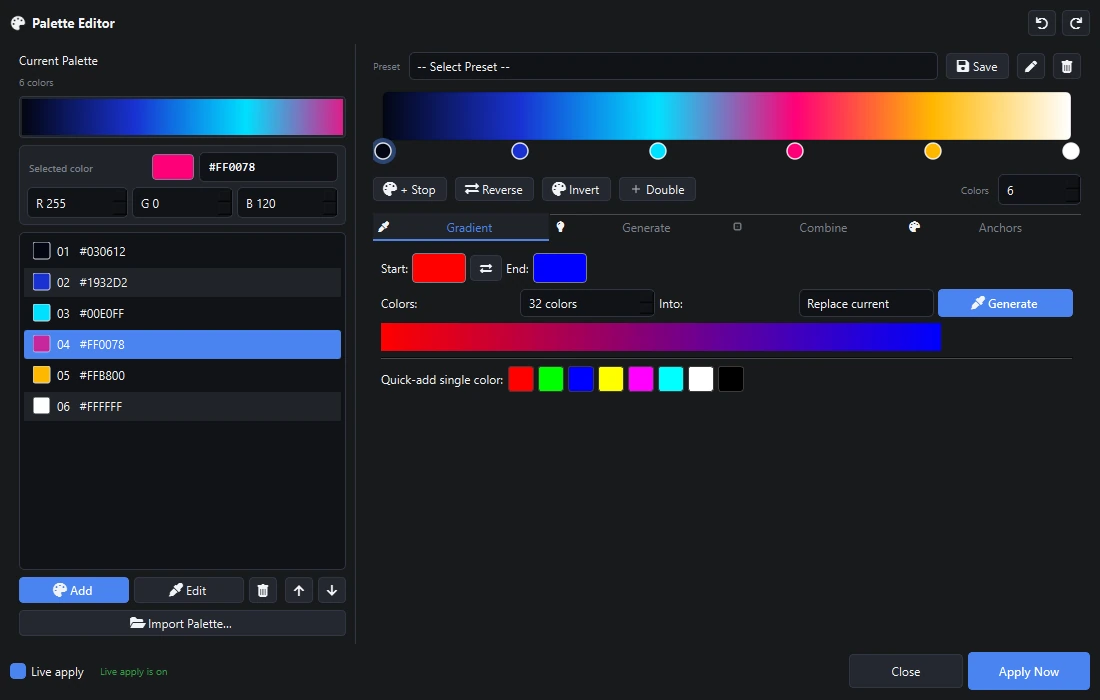
SWF vs AVI vs MOV vs MP4: Which Format?
Comprehensive comparison of pixel LED effect formats for LedEdit, Jinx!, Madrix, Resolume, and more.
Where to Download the Best Pixel LED Effects
Compare top sources for pixel LED effects — bundles, creation tools, and VJ generators.
The Ultimate LED Software Stack
The three essential tools every LED enthusiast needs: create, enhance, and download stunning LED content.
Download Thousands of Pixel LED Effects
Guide to finding and downloading pixel LED effects for stage, dance floor, and art installations.
Fix LED Edit Software Issues - LED Edit Runner (Discontinued)
LED Edit Runner has been discontinued. The tool is no longer available for download.